O P E R A T I O N C H A P T E R 6
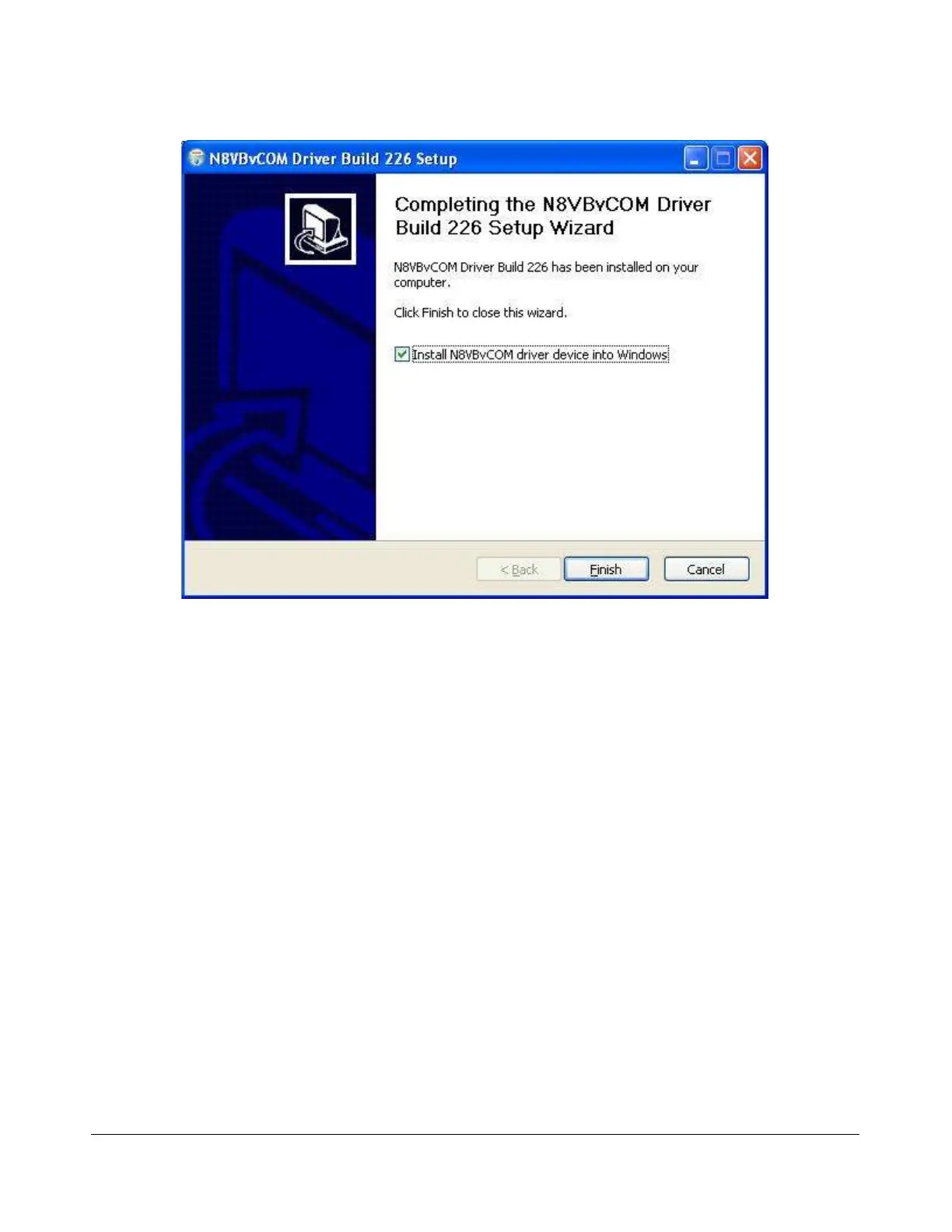
Figure 161: VCOM Installer Complete
Click the Finish button to complete the installation of VCOM. The virtual serial port driver will now be
installed on your system. A Command Prompt window displaying status messages will open followed by
the warning screen shown in Figure 162 below.
[The rest of this page has been left blank intentionally]
180 2003-2008 FlexRadio Systems



 To Next Page