H A R D W A R E I N S T A L L A T I O N C H A P T E R 1
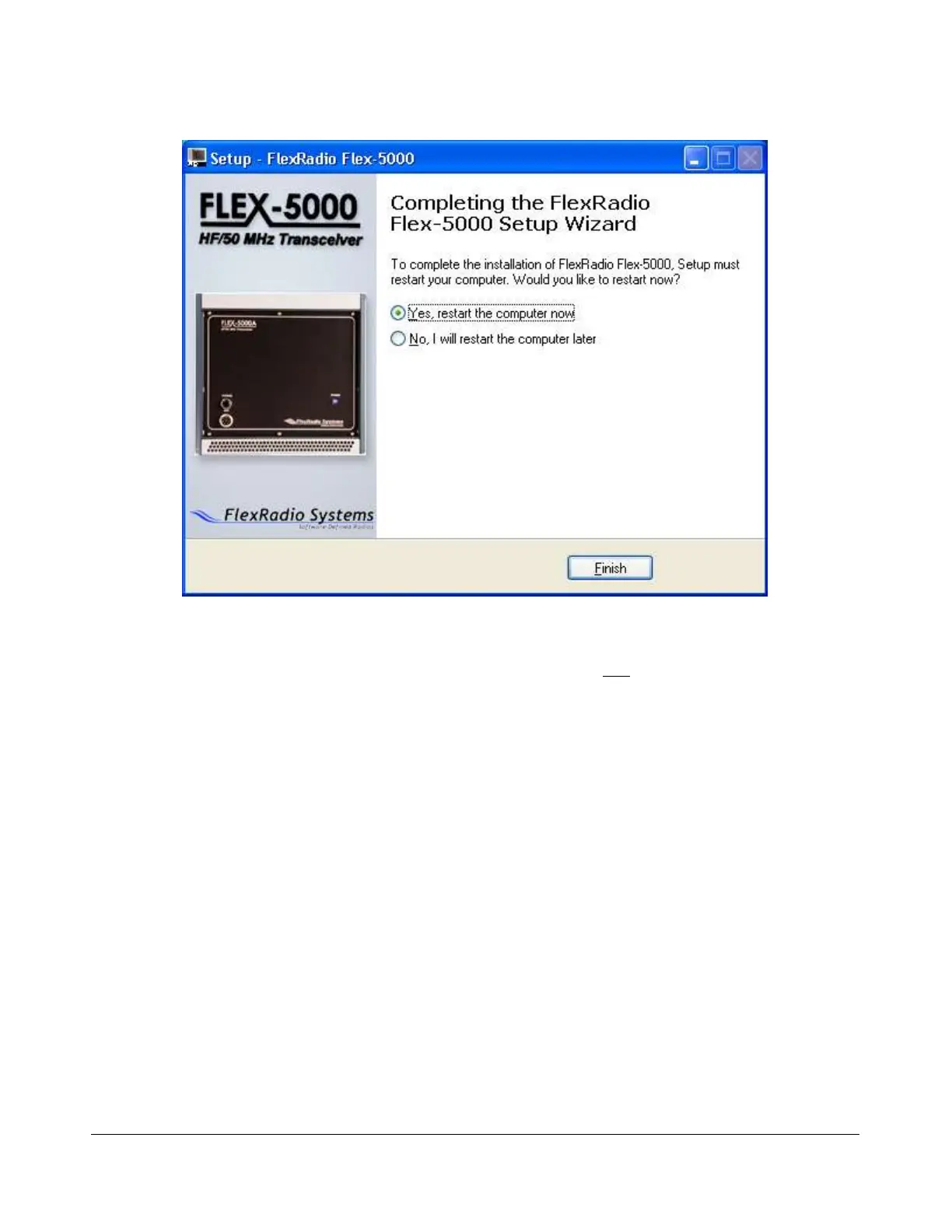
You will need to restart your computer before you can continue. We recommend you do this now by
accepting the default selection, verifying that the FLEX-5000A is not powered on and clicking on
the Finish button.
Power Up the FLEX-5000A
After your computer has rebooted, press and release the power button on the FLEX-5000A to power it
up. After a brief moment, you will hear the power relay click and the blue LED will illuminate the power
button. When this happens, Windows XP will detect the FLEX-5000A and display the Found New
Hardware Wizard (Figure 10).
[The rest of this page has been left blank intentionally]
23 2003-2008 FlexRadio Systems
Figure 9: Completing the FlexRadio FLEX-5000 Setup Wizard



 To Next Page