H A R D W A R E I N S T A L L A T I O N C H A P T E R 1
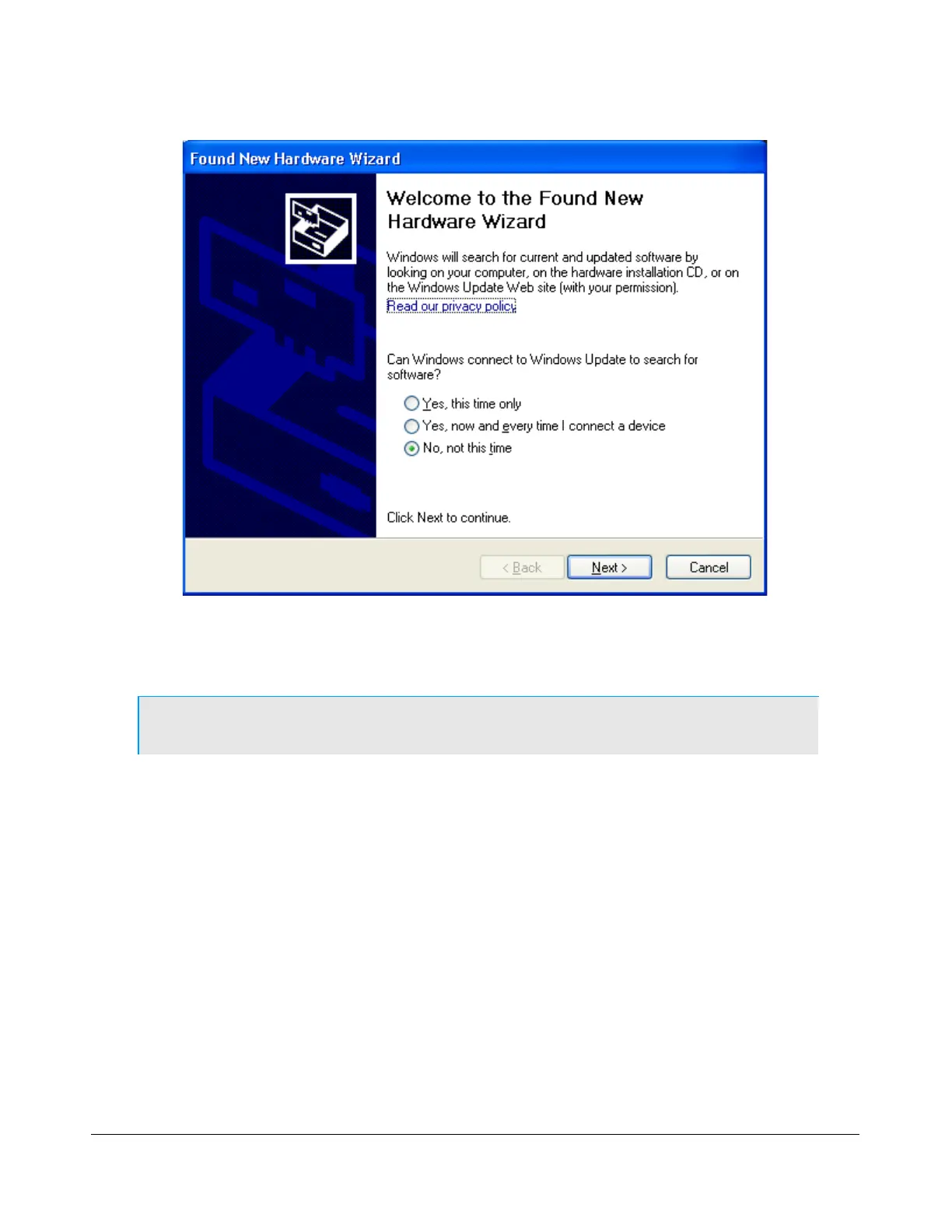
Select the option No, not this time when you are prompted to use Windows Update to search for
software. Click on the Next button to continue to Figure 11.
Note: Figure 10 above may not show up in some systems.
[The rest of this page has been left blank intentionally]
24 2003-2008 FlexRadio Systems
Figure 10: Found New Hardware Wizard



 To Next Page