P O W E R S D R I N S T A L L A T I O N & S E T U P C H A P T E R 2
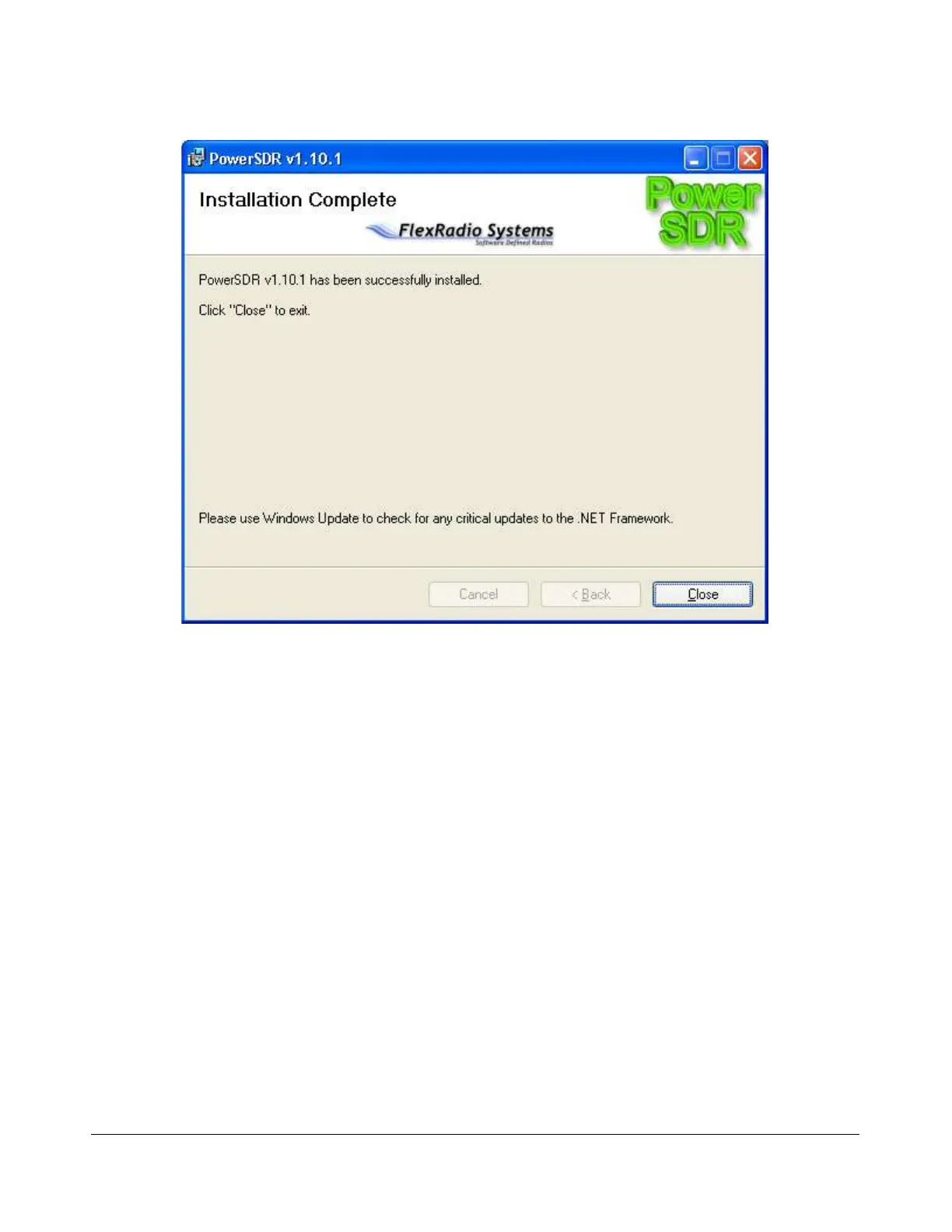
Figure 21: PowerSDR Installation Complete
Click the Close button to complete the installation and close the dialog.
PowerSDR Setup Wizard
Power up the FLEX-5000 to load its driver and start up the PowerSDR console using the shortcut on the
Desktop (or through the Start menu). When you run a new release of PowerSDR for the first time an
optimization routine will run and the screens shown in Figure 22 will appear.
[The rest of this page has been left blank intentionally]
38 2003-2008 FlexRadio Systems



 To Next Page