P O W E R S D R I N S T A L L A T I O N & S E T U P C H A P T E R 2
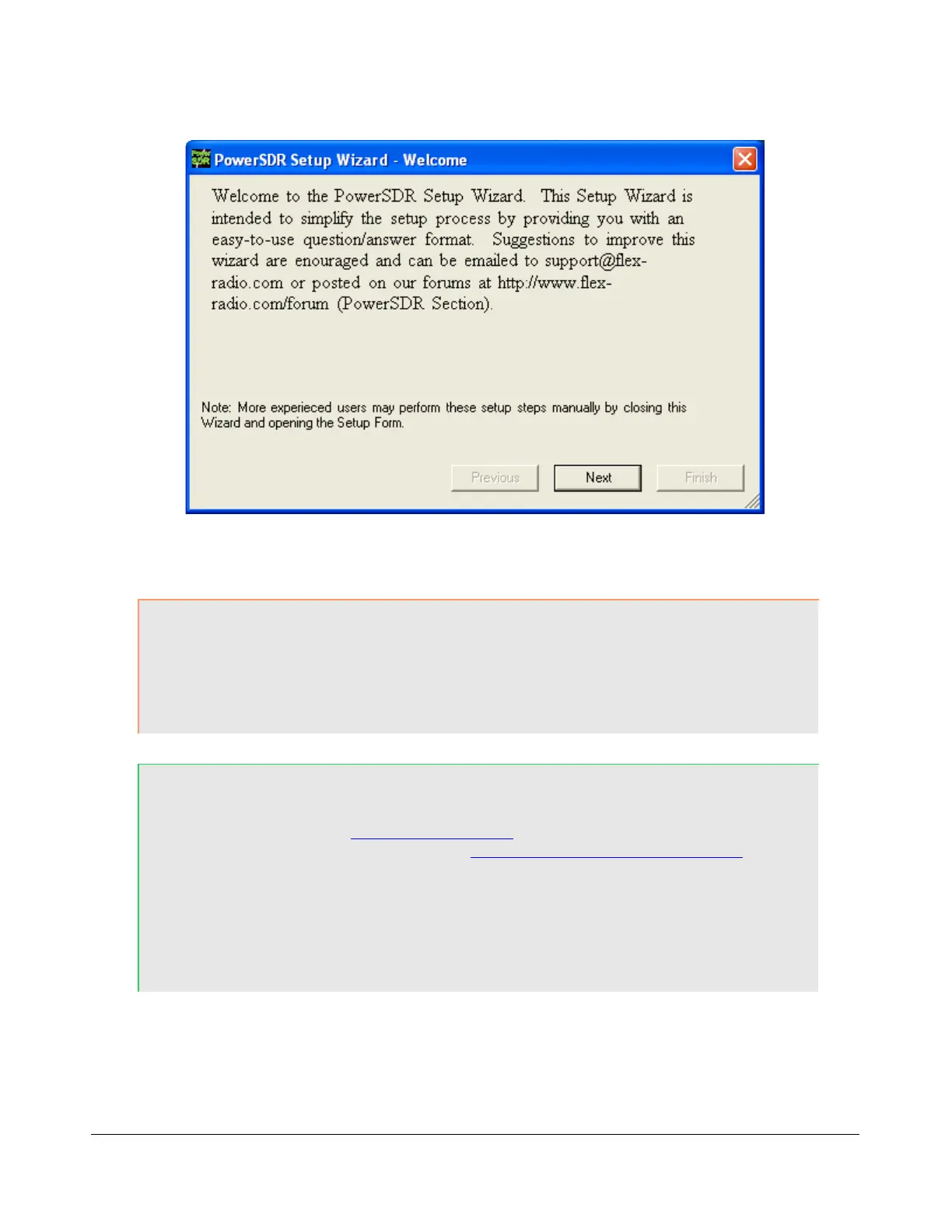
Figure 23: PowerSDR Setup Wizard Welcome
CAUTION: Starting with PowerSDR 1.10.2 you will not be prompted to import a
previous database. The FLEX-5000 database is significantly different
in structure than the one used with the SDR-1000 and you need to
start out with a fresh (automatically created) database where all of
the parameters are configured to their system defaults.
Hint: You can copy selected tables from your existing SDR-1000 (or
previous FLEX-5000) database to the new default database by using
K9DUR's Data Transfer Utility (search for data transfer in our
Knowledge Center at http://kc.flex-radio.com/search.aspx). We
recommend that you only transfer the tables BandStack, BandText,
EQForm, GroupList, Memory, TXProfile, UCB and/or WaveOptions if
any.
We recommend you keep a copy of your original database before
transferring any tables.
Click the Next button to continue to Figure 24.
[The rest of this page has been left blank intentionally]
40 2003-2008 FlexRadio Systems



 To Next Page