P O W E R S D R I N S T A L L A T I O N & S E T U P C H A P T E R 2
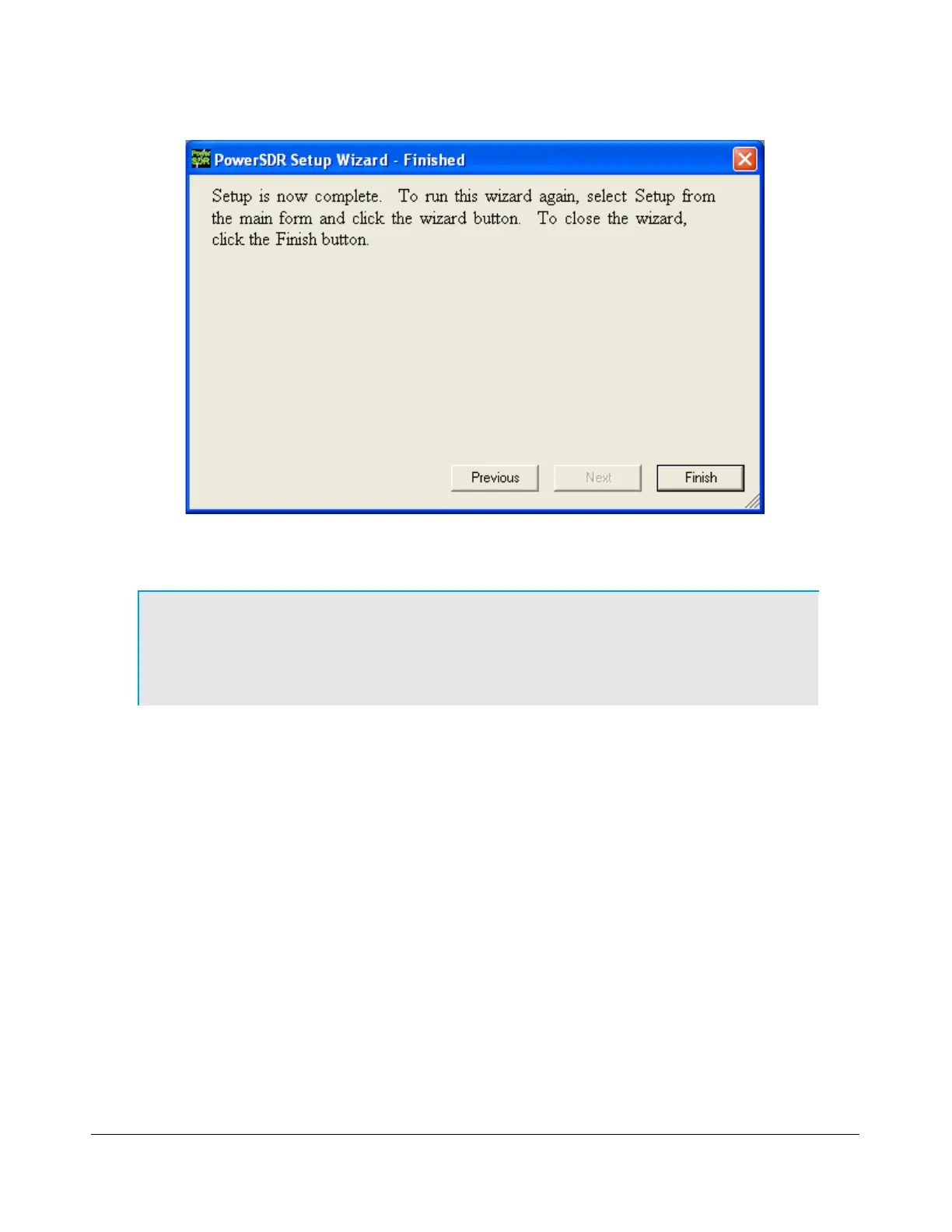
Figure 25: PowerSDR Setup Wizard – Finished
The Setup Wizard is now complete. Click the Finish button to complete the wizard.
Note: If you forgot to power up the FLEX-5000 before starting PowerSDR, a
communication error message will be displayed and PowerSDR will
offer the ability to start in demo mode. Click No to close PowerSDR,
power up the FLEX-5000 and restart PowerSDR.
[The rest of this page has been left blank intentionally]
42 2003-2008 FlexRadio Systems



 To Next Page