10
Clave 23+ Instruction Manual v1.4
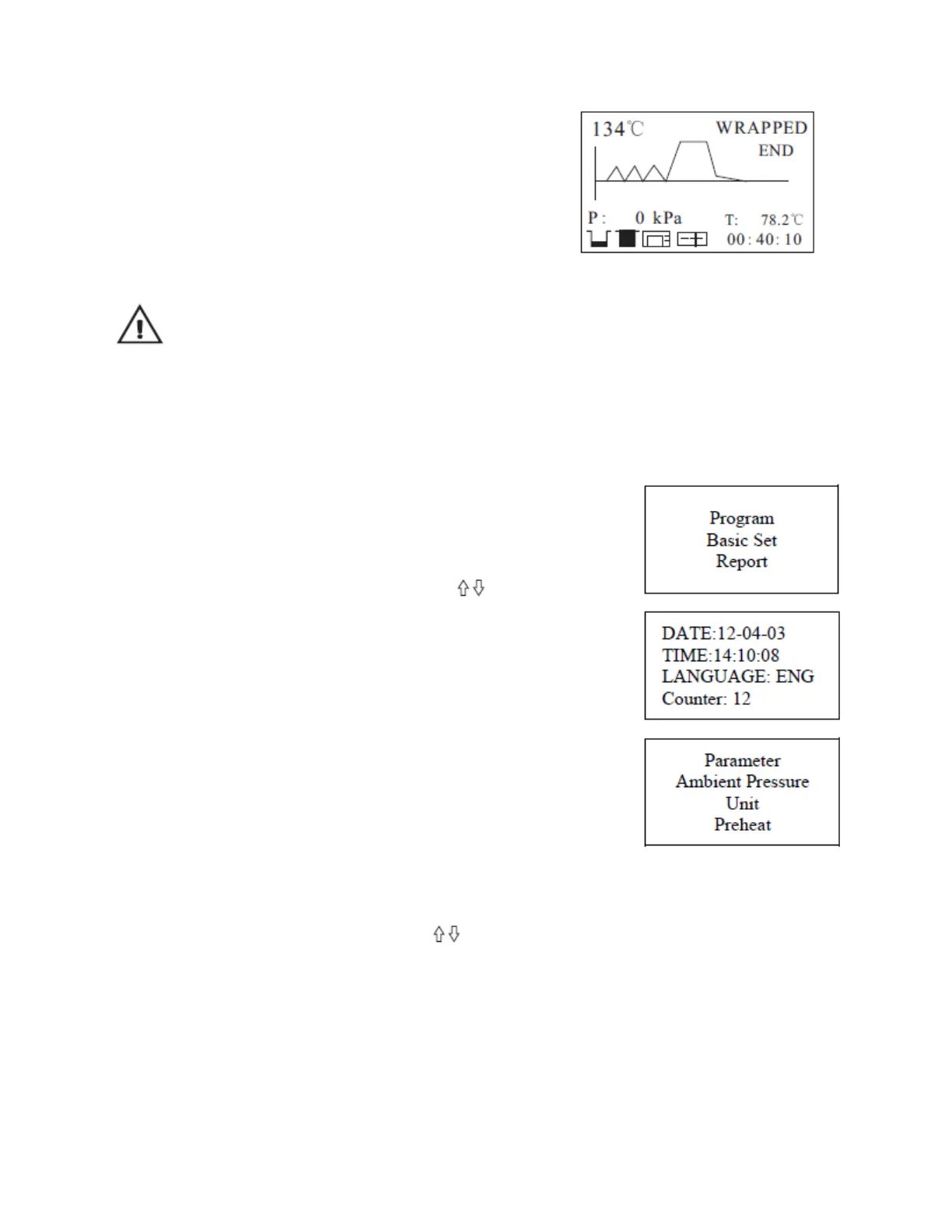
5.4.3 Sterilization Cycle Completion
After the cycle is complete, the printer will be
activated and print out a report of the cycle (if the
optional printer has been connected) and save the
report on the USB drive (optional).
Caution: Always use the tray handle to load or unload the trays from the sterilizer in
order to avoid injury or burning.
Notice: If you need to interrupt a cycle and remove materials urgently, you may hold the START
button for 5 seconds after completing the holding time to skip the dry cycle. This will result in
the program skipping directly to the last step and eliminating the drying stage. After one minute,
the cycle will end, or set the drying time to N. It will skip the drying stage.
5.5 Basic Set
5.5.1 Highlight the “Basic Set” and press the SELECT
button.
5.5.2 Select the item by pressing SELECT button.
5.5.3 Adjust the value by pressing the buttons.
5.5.4 After you finish adjusting the parameters, press the
select button to save and return to the above menu.
5.5.5 Press the START button to cancel and exit.
5.5.6 The “Counter” counts the number of cycles. It cannot
be changed.
CHN Chinese ENG English DEU German
ESP Spanish PL Polish FR French
HUN Magyar ROM Romanian NL Dutch
LTU Lithuanian LAT Latvian ITA Italian
CZE Czech
5.6 Record of the Cycle
5.6.1 Select “Report”. You will see a list of records.
5.6.2 Select the record by pressing buttons.
5.6.3 Press the SELECT button and the information will be sent to the printer and USB
port.
5.6.4 The machine has an internal memory to save the last 20 cycles.
5.6.5 Press START button to exit.


 To Next Page