10
Revision B, May 2008
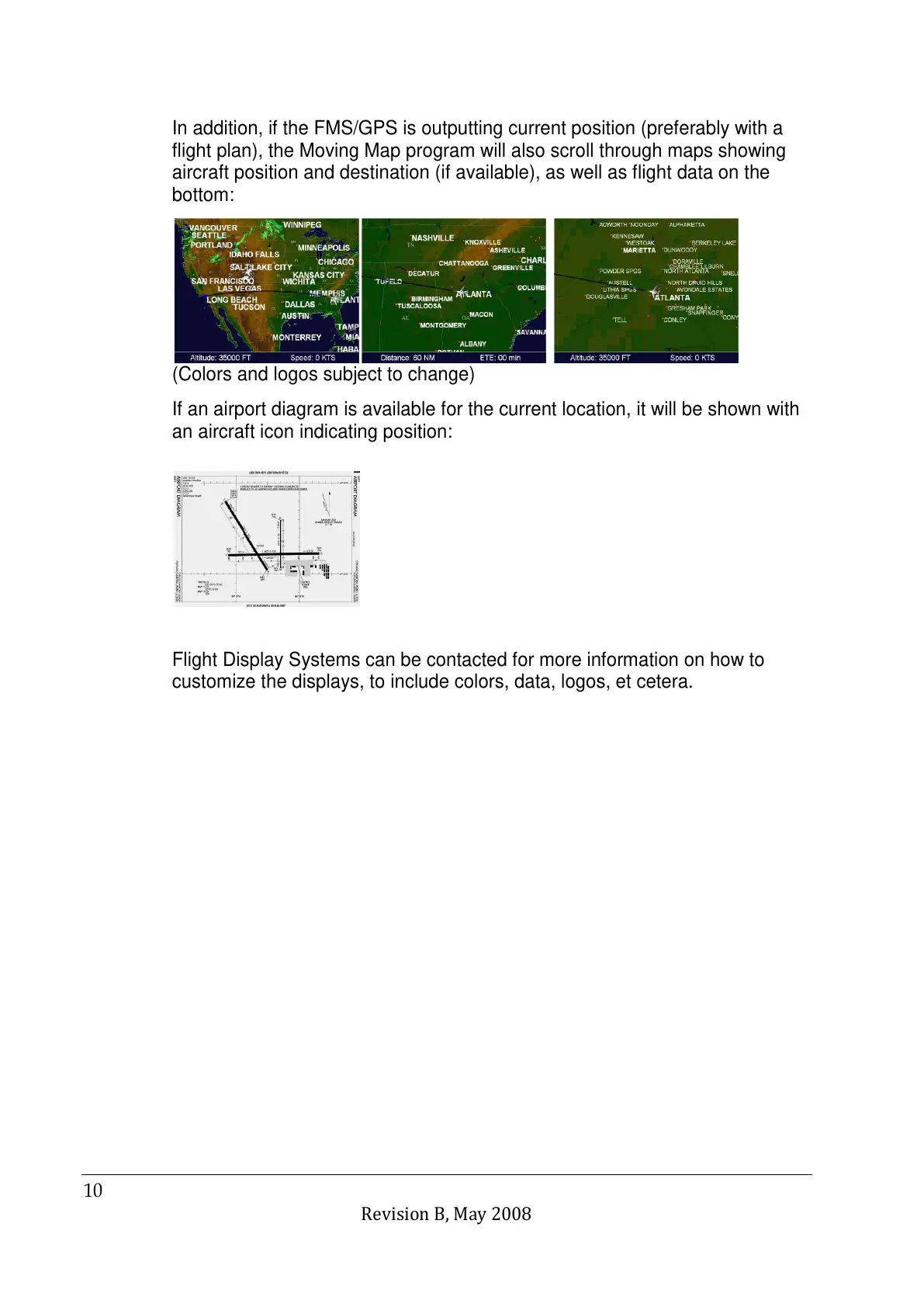
In addition, if the FMS/GPS is outputting current position (preferably with a
flight plan), the Moving Map program will also scroll through maps showing
aircraft position and destination (if available), as well as flight data on the
bottom:
(Colors and logos subject to change)
If an airport diagram is available for the current location, it will be shown with
an aircraft icon indicating position:
Flight Display Systems can be contacted for more information on how to
customize the displays, to include colors, data, logos, et cetera.



 To Next Page