FD200CPU-7 Ver P Operation Instructions
9
Revision B, May 2008
Operation Instructions
General Information
The FD200CPU-7 Ver P is designed to function without user interaction.
However, there are situations in which a technician may be required to use a
keyboard (with or without mouse) to troubleshoot, update, or customize the
Moving Map program.
Note: There are some FMS’s that do not output destination information. In
such case, in order to see a line to the destination, it is necessary to install an
FD200CPU-CTRL Cockpit Controller, or to use a keyboard at the beginning
of flight to input the ICAO identifier of the destination. See Appendix C for
Nav System Compatibility.
Software is included on the CPU that can be used to diagnose data issues in
cases where the CPU is not receiving navigational data, or it is not
interpreting it correctly. In addition, there are many settings that can be
tailored on location to fit the customer’s needs. See Appendix B for
information on customizing the configuration file.
Updating the software, as well as uploading custom logos, is accomplished
using a USB thumb drive and keyboard. A secondary computer (to download
updates and edit graphics) may be necessary.
Note: A combination keyboard/mouse and a USB thumb drive are both
included with the suggested FDINSTALL kit.
Normal Operation
When the CPU is initialized, it will run through a BIOS Power On Self Test,
then a Windows initializing screen, and will then open the Moving Map
program. The process generally takes 3-5 minutes.
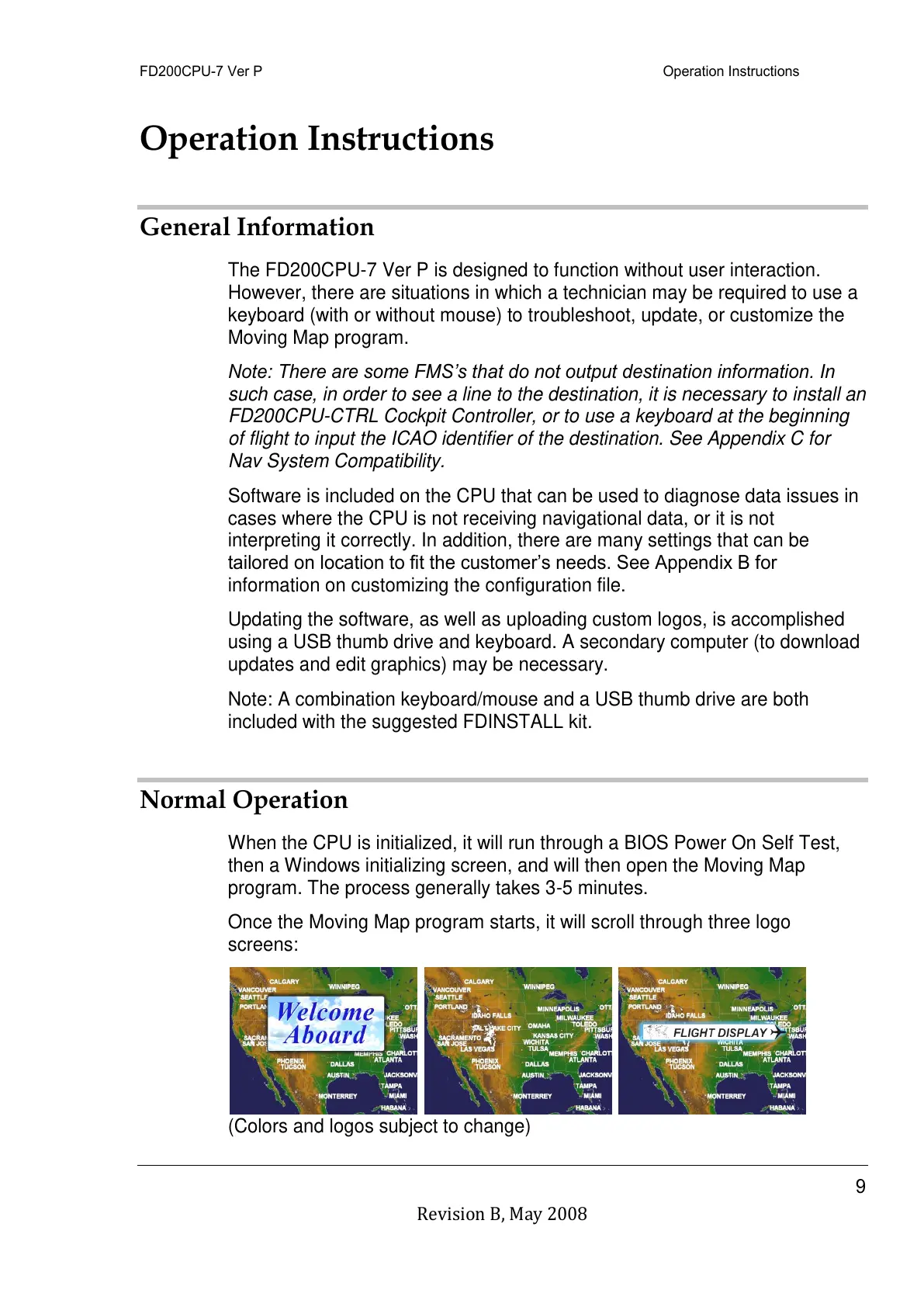
Once the Moving Map program starts, it will scroll through three logo
screens:
(Colors and logos subject to change)



 To Next Page