13
BASIC OPERATION
Adjusting the Squelch
Level
1
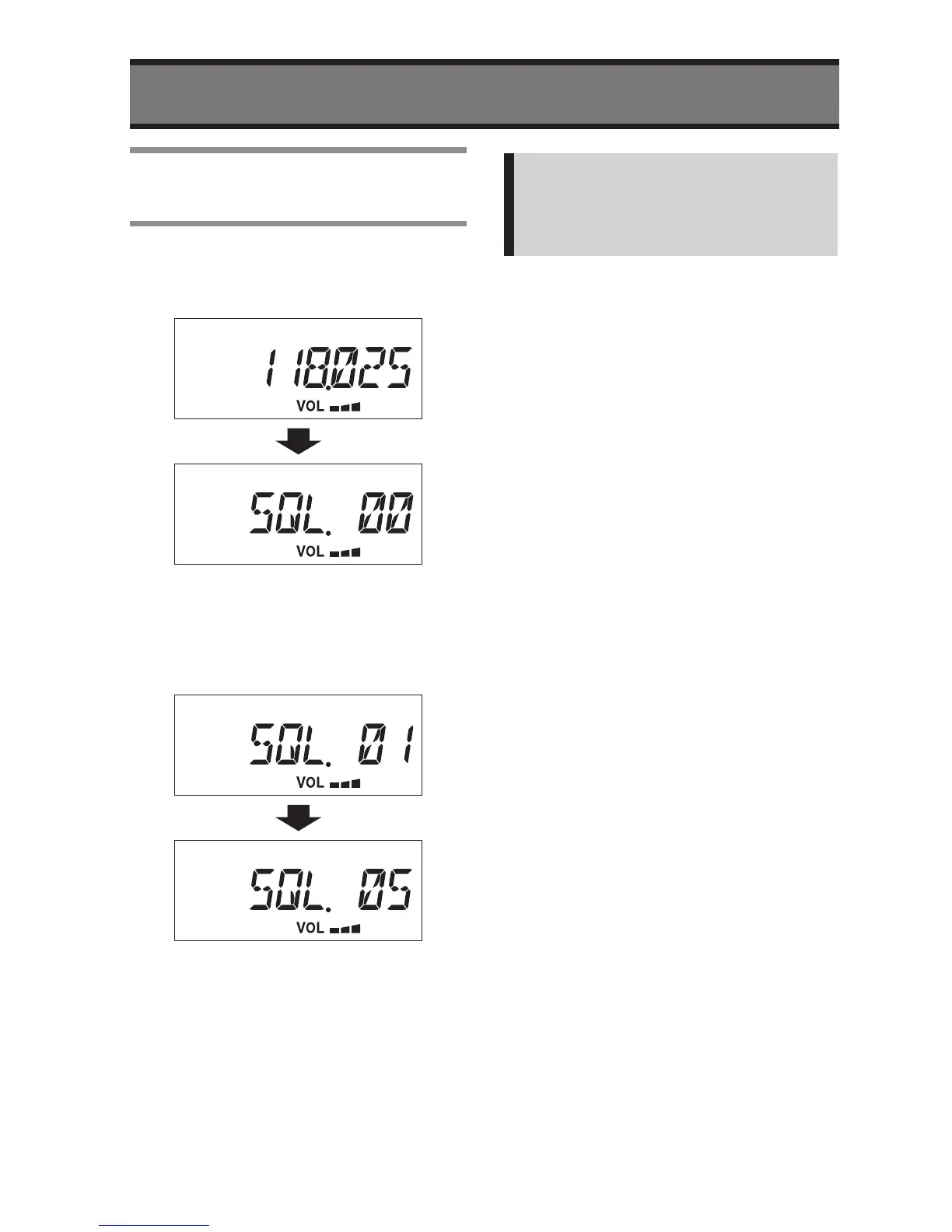
Press the SQL button
• The Display will change to Squelch
Setting mode.
2
Turn the Rotary Knob slowly
direction to clockwise.
3
Stop turning the Knob when Noise
disappears.
4
Press the SQL button to save and
exit the Squelch adjustment.
• The Display will return to previous
state.
Note:
The audio will be muted when
receiving week signal if the SQL level
is set too big.
You can change Audio level while in
Squelch Setting mode.


 To Next Page