18
MEMORY OPERATION
Priority Watch
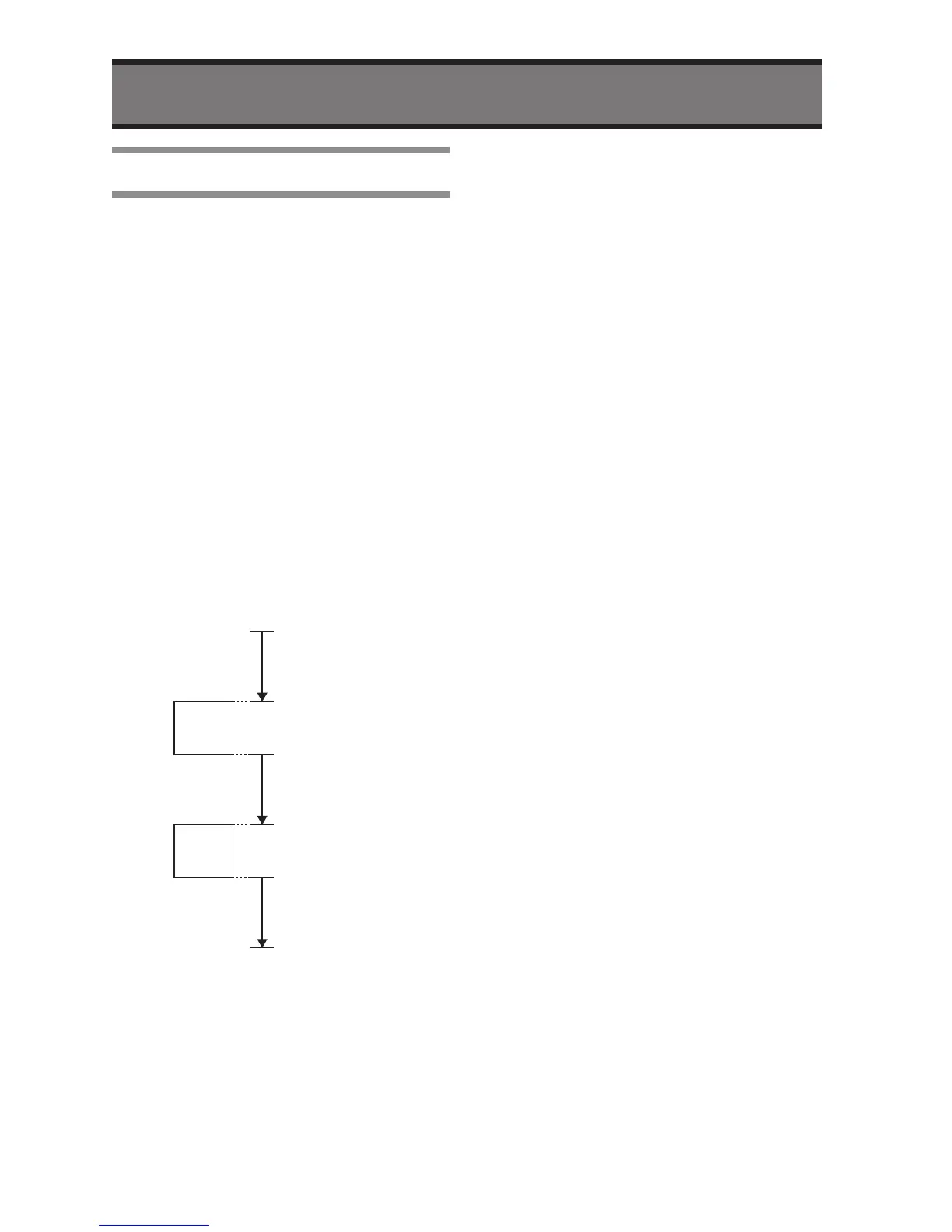
The “Priority Watch” is to watch the
current channel (displayed frequency or
memory channel) and Priority Channel
alternately.
1
Confirm the radio is in VFO mode or
Memory mode.
2
Select a desired frequency or
memory channel to make the
Priority Watch.
3
Confirm the radio is not receiving
at displayed channel.
4
Press and hold the SCAN button
until the “P” icon will appear on the
LCD.
5
Confirm the radio starts the
“Priority Watch”.
• If the radio receives a signal during
Scan, the radio will pause the
scanning on the channel.
• The priority channel will be checked
every 5 seconds even if the radio is
receiving.
• The radio will pause the scanning
if receiving a signal on the Priority
Channel.
6
Press the SCAN button to stop the
“Priority Watch”.


 To Next Page