24
MEMORY OPERATIONS
Setting the Lockout
Memory Channel
This section indicates how to delete
(lockout) a memory channel from the
memory scan list.
1
Press the V/M button during the
radio is in VFO mode.
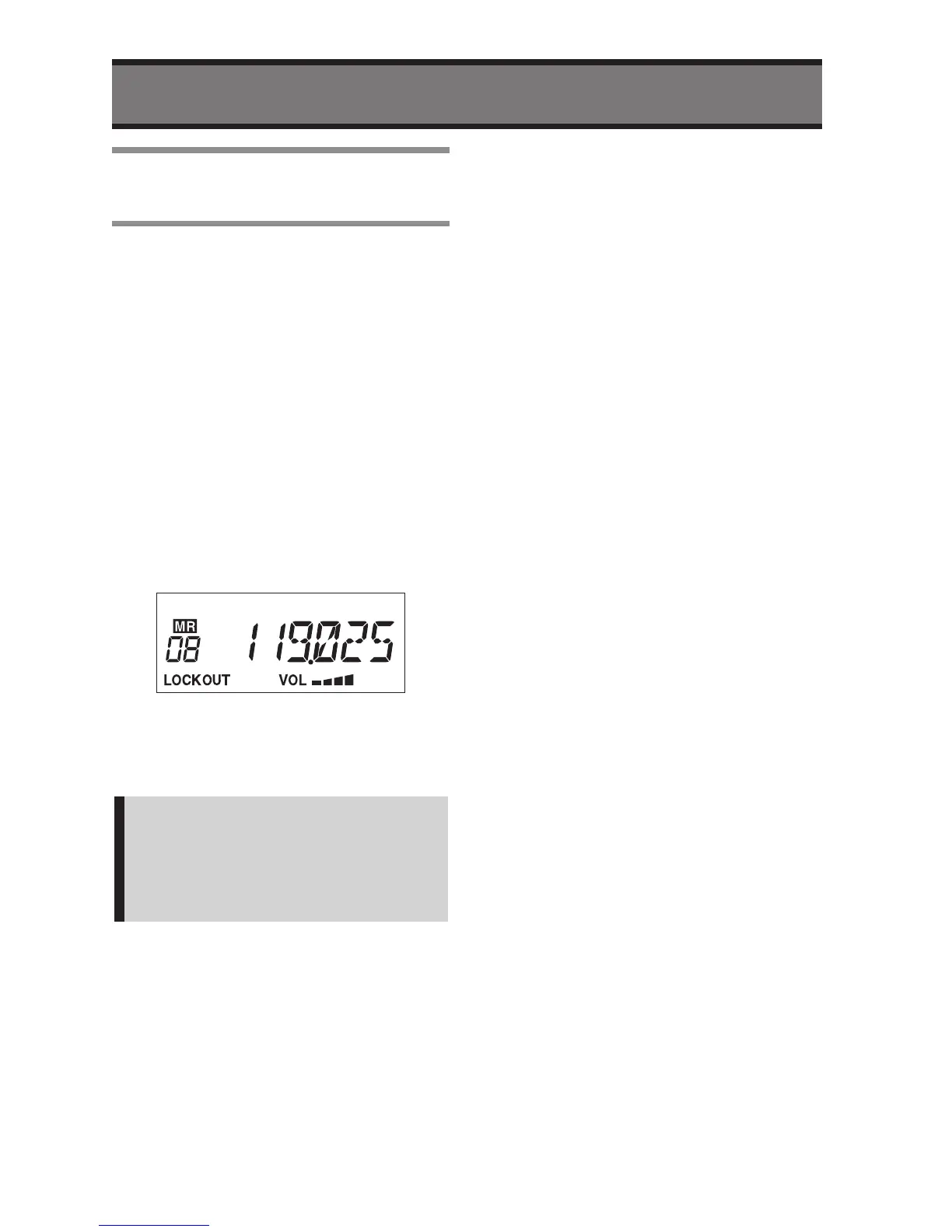
• The “MR” icon and the Memory
Number will appear on the LCD.
2
Select a Memory Number that you
want to skip for Memory Scan by
rotary knob.
3
Press and hold the Rotary Knob
more than two second.
• The “LOCKOUT” icon will appear on
the LCD.
4
Press the V/M button to exit.
• The radio will return to previous VFO
mode.
Note:
If you want to cancel the Lockout,
then press and hold the rotary knob
more than two seconds at the step 3.
The “LOCKOUT” icon will disappear.


 To Next Page