16
MEMORY OPERATION
There are various functions such as
Frequency Scanning on VFO mode,
Memory Scanning on Memory mode or
dual watch the specific two frequencies.
Scanning the VFO
Frequencies
It is Scanning for all available frequencies
when the radio is in VFO mode.
1
Confirm the radio is in VFO mode.
2
Confirm the radio is not receiving
on current channel.
3
Press the SCAN button.
4
The radio starts Scanning.
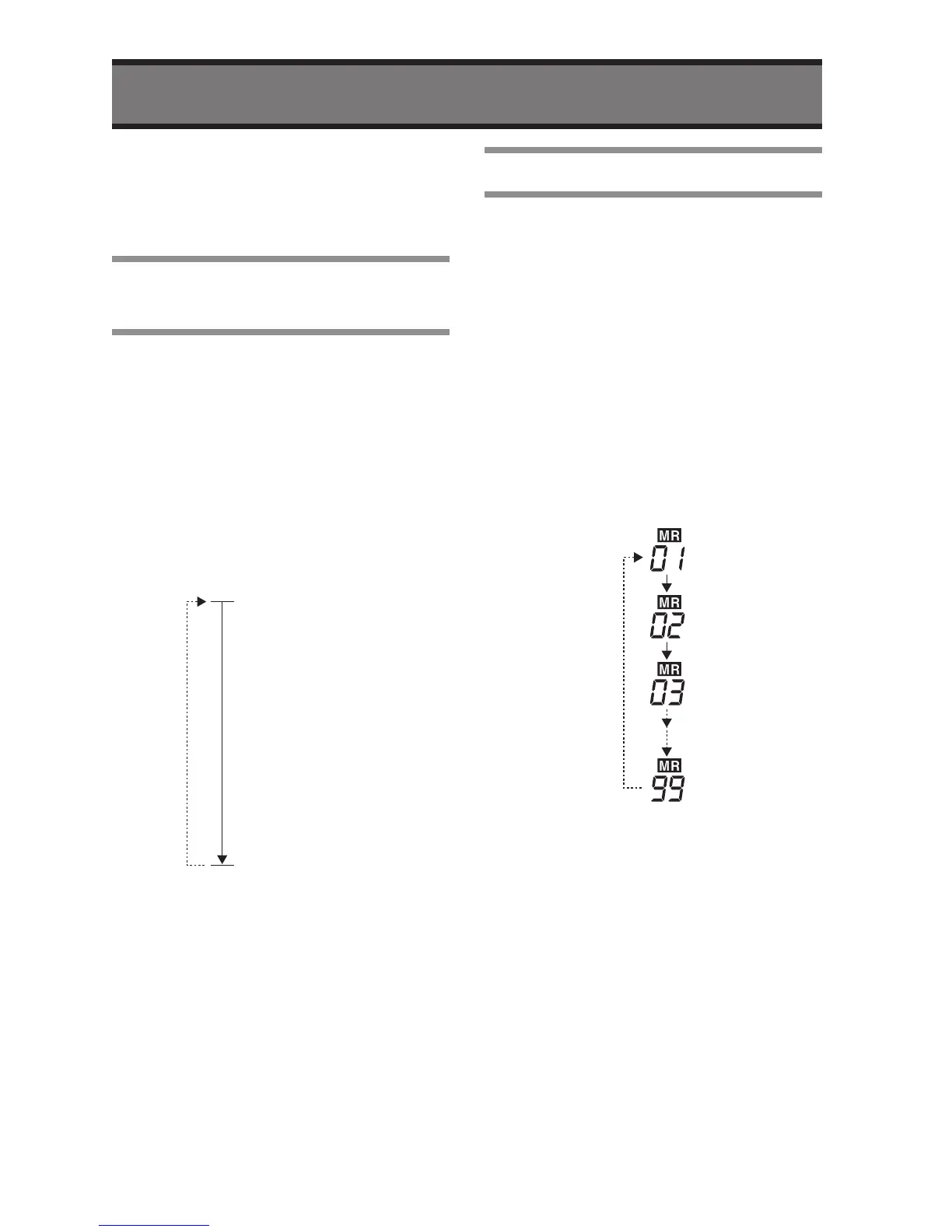
VFO Scan
• If the radio receives a signal during
Scan, the radio will pause the
scanning on the channel.
5
Press the SCAN button to stop the
Scanning.
* Except USA Version.
Scanning the Memory
This function is Scanning for memorized
channels. Please refer page 20; how to
memorize a frequency.
1
Confirm the radio is in VFO mode.
2
Press V/M key to change to
Memory mode.
3
Confirm the radio is not receiving
on the current channel.
4
Press the SCAN button.
5
You can see the radio is scanning.
Memory scan
• If the radio receives a signal during
Scanning, the radio will pause the
scanning on the channel.
6
Press the SCAN button to stop the
Scanning.


 To Next Page