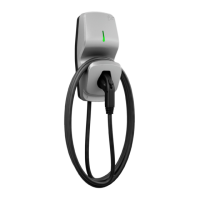
CoRe+
TM
Installation Guide
8
L1 L2
GND
Wall or Post Mounting
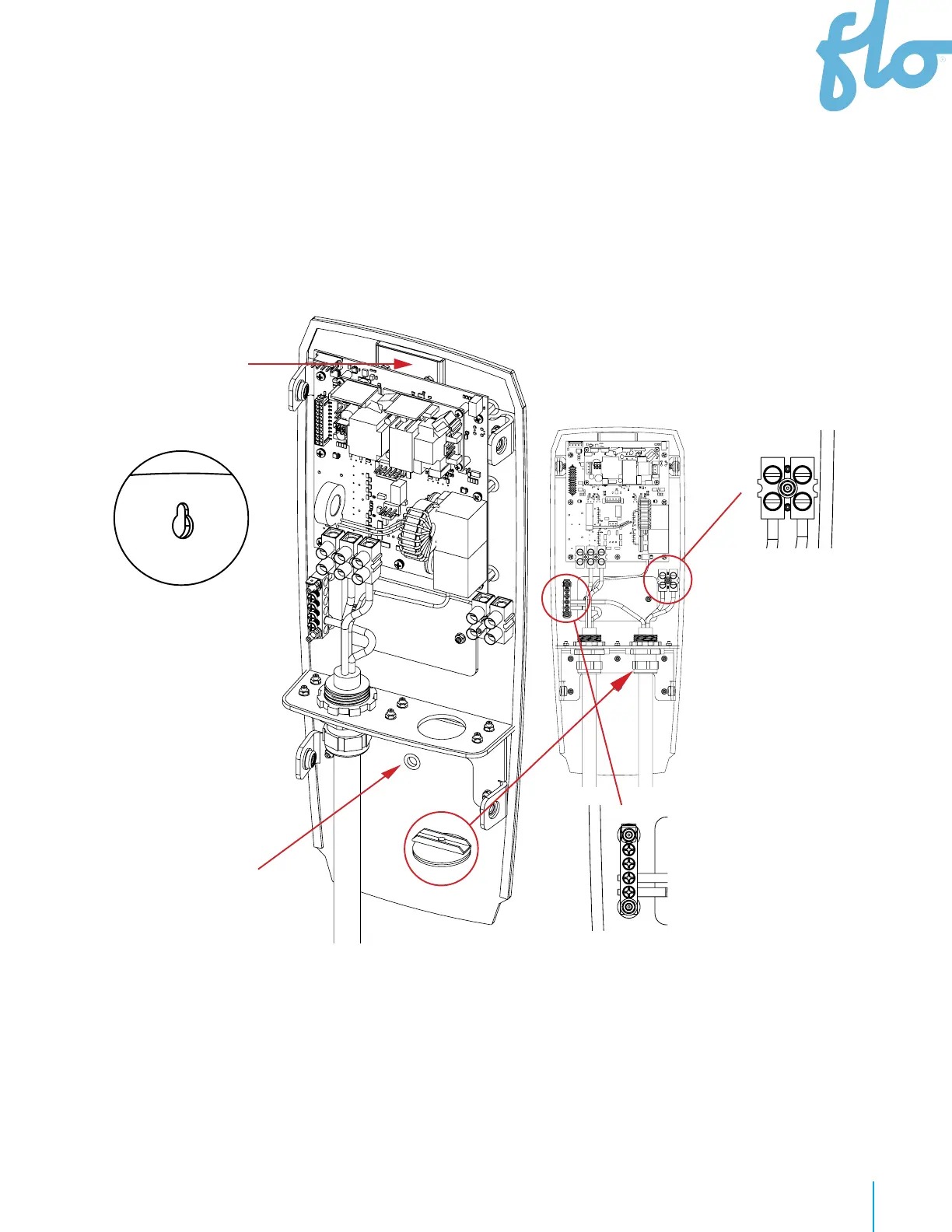
Power Cable Entry under the Station
• Remove the hole cover and attach the
cable connector to the hole, then insert
the power cable. Make sure the
conductors are long enough to reach the
terminal block.
• Connect two
power conductors
(L1 and L2) and the
ground conductor
(GND)
• The grounding
conductor shall be
provided with
green or green and
yellow insulation.
•
Attach the head base to
the wall or the post with
the appropriate type of
anchors
• Hang the head base to an
anchor (previously fixed to
the wall or post) via the
keyhole at the top. NEVER
REMOVE THE PROTECTION
PLATE
• Complete the mounting of
the head base by installing
an anchor through the
bottom hole.
• IMPORTANT:
Never remove the
protection plate of
the key
• hole.
• Avoid installing the EVSE in bad
weather conditions.


 To Next Page