28 GB/IE
Handling and use
Note: Before using the product for the first time you
should clean the temperature sensor
14
with a soft,
slightly dampened cloth and a mild detergent.
Note: The temperature sensor
14
is a sharp metal
object which becomes hot during use. Therefore, be
careful when using it!
Selecting the temperature unit
You can select the temperature unit displayed by
switching the selector switch
11
in the battery com-
partment
10
to the desired position (°C or °F).
Start-up
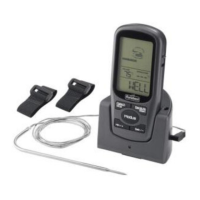
Switch the transmitter
13
on by setting the ON /
OFF switch
19
on the bottom of the transmitter
13
to “ON.“ The red LED indicator
17
on the front
will flash briefly. This red LED indicator
17
will
consistently flash during operation.
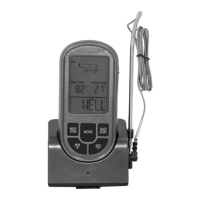
Switch the receiver
1
on by setting the ON /
OFF switch
12
on the bottom of the receiver
1
to “ON.“ A signal will sound and the LC display
2
will flash briefly with a blue and red back-
ground light.
Note: If the temperature sensor
14
is not connected
to the transmitter
13
or the connection between the
receiver
1
and the transmitter
13
is interrupted, the
LC display
2
will display the current temperature
23
as “- - -“.
Ensure that the connector
15
of the temperature sensor
14
is inserted correctly into the socket
16
.
Switch the receiver
1
off using the ON / OFF switch
12
for roughly 3 seconds and then on again. The cur-
rent temperature
23
will now be displayed on the
LC display
2
.
Setting the type of meat and
degree of doneness
Press the “Fleisch / Stop“ button
7
to select the
type of meat. The LC display
2
will display the
type of meat. Each time you press the button, you
change the meat selected in the order according
to the following list.
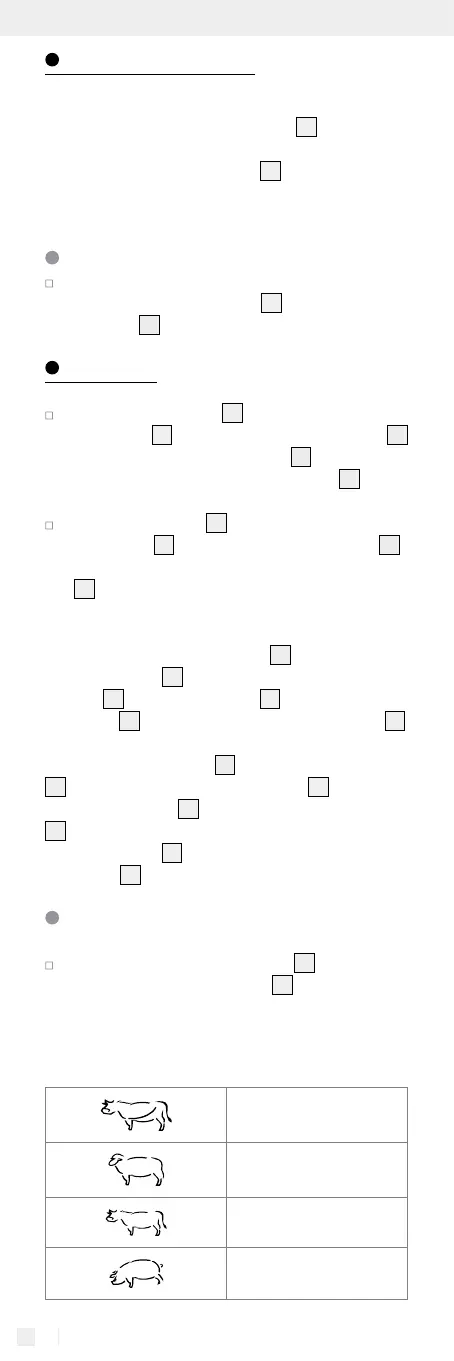
Beef
Lamb
Veal
Pork


 To Next Page