31 GB/IE
Timer function
If you have reached the cooking temperature,
are not satisfied and wish to continue cooking
you can use the receiver‘s
1
timer function.
Press the “Modus“ button
4
once to activate the
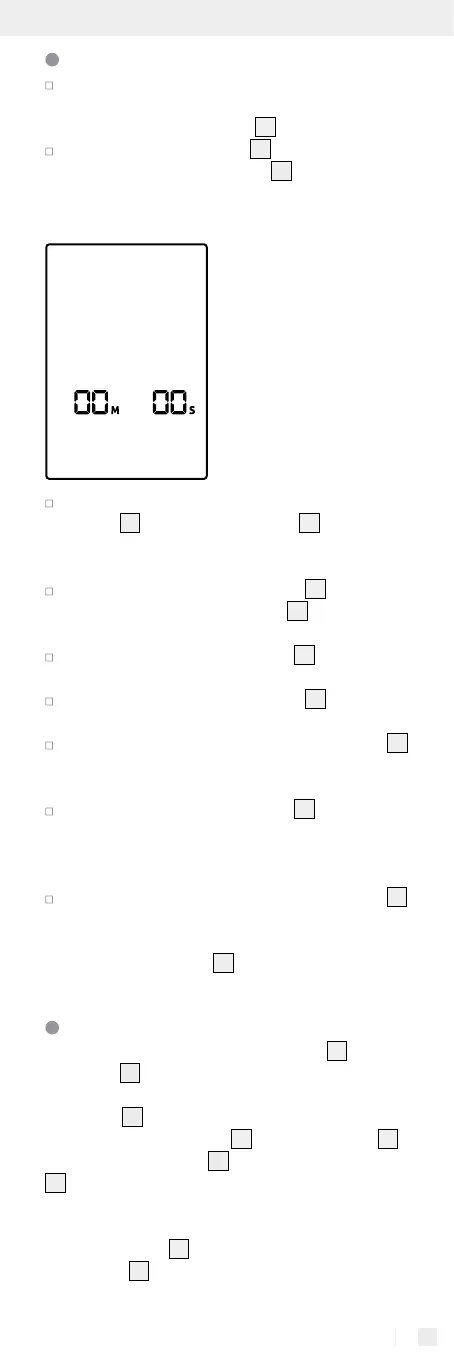
timer function. The LC display
2
will now change
to the timer function as depicted in the following
illustration.
Select the desired time by pressing the “Min / +“
button
6
or the “Sek / –“ button
5
. If you press
the button for a longer period of time, the time
will be set faster.
Press the “Garstufe / Start“ button
3
to begin
the countdown. The LC display
2
will display
the remaining time.
Press the “Fleisch / Stop“ button
7
to interrupt
the countdown if you wish to check on the food.
Press the “Garstufe / Start“ button
3
to continue
the countdown.
When the countdown has ended, the LC display
2
will flash red and a continuous acoustic signal will
sound.
Press the “Fleisch / Stop“ button
7
to stop the
alarm. If you do not press the button to turn off
the alarm, it will turn itself off automatically after
about 2 minutes.
Pressing and holding the „Fleisch / Stop“ button
7
deletes the set countdown time.
Tip: The timer function will not turn off if you press
the “Modus“ button
4
to return to the function
selection display.
Position during use
There are many positions for the receiver
1
and
transmitter
13
while the product is in use:
Receiver
1
position
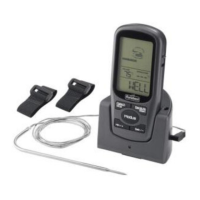
You can place the receiver
1
on the transmitter
13
.
Using the fastening clips
9
you can place the receiver
1
beside the stove in a visible location or attach it to
your clothes (belt, trouser pocket, shirt pocket or apron
pocket).
The fastening clip
9
contains two magnets to attach
the receiver
1
to a magnetic surface.


 To Next Page
 Loading...