5
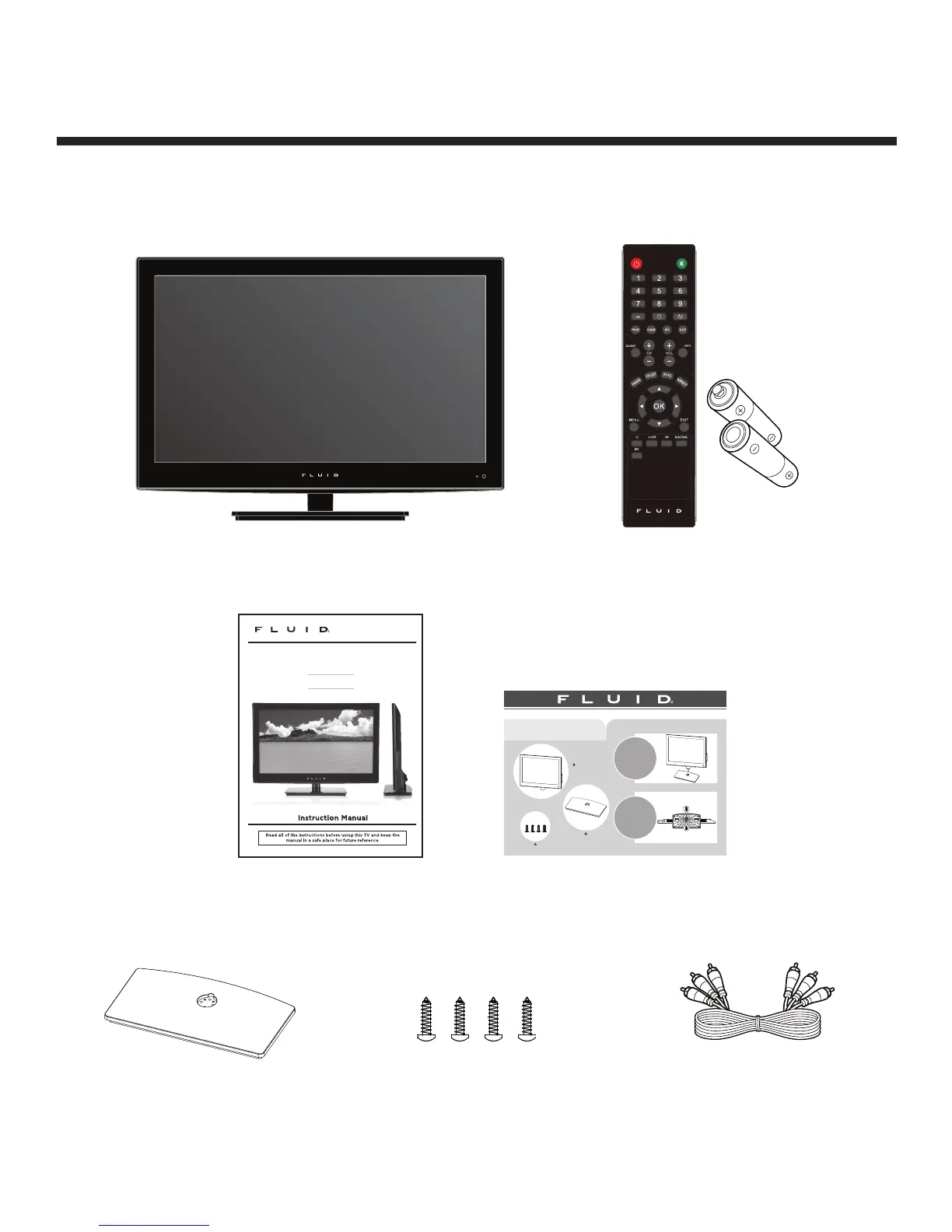
What’s Included
Unit and Accessories
User’s Manual
TV Set
Base Stand
Initial Assembly
AV connection cable
Screws (TP4X12A-HO, 4 PCS)
Remote Control with Batteries
26” LED Television
8000861
FLD2600
1
2
Initial Assembly
• Main accessories: • Installation Steps:
Main unit
8000861
Base stand
a.Remove the main unit
and the base stand from
the carton.
b.Connect the stand support
to the base stand.
(see illustration).
a.Attach the stand using
the TP4X12A-HO screws
(see illustration).
Screws (TP4X12A-HO, 4 PCS)


 To Next Page