11
TV Functions
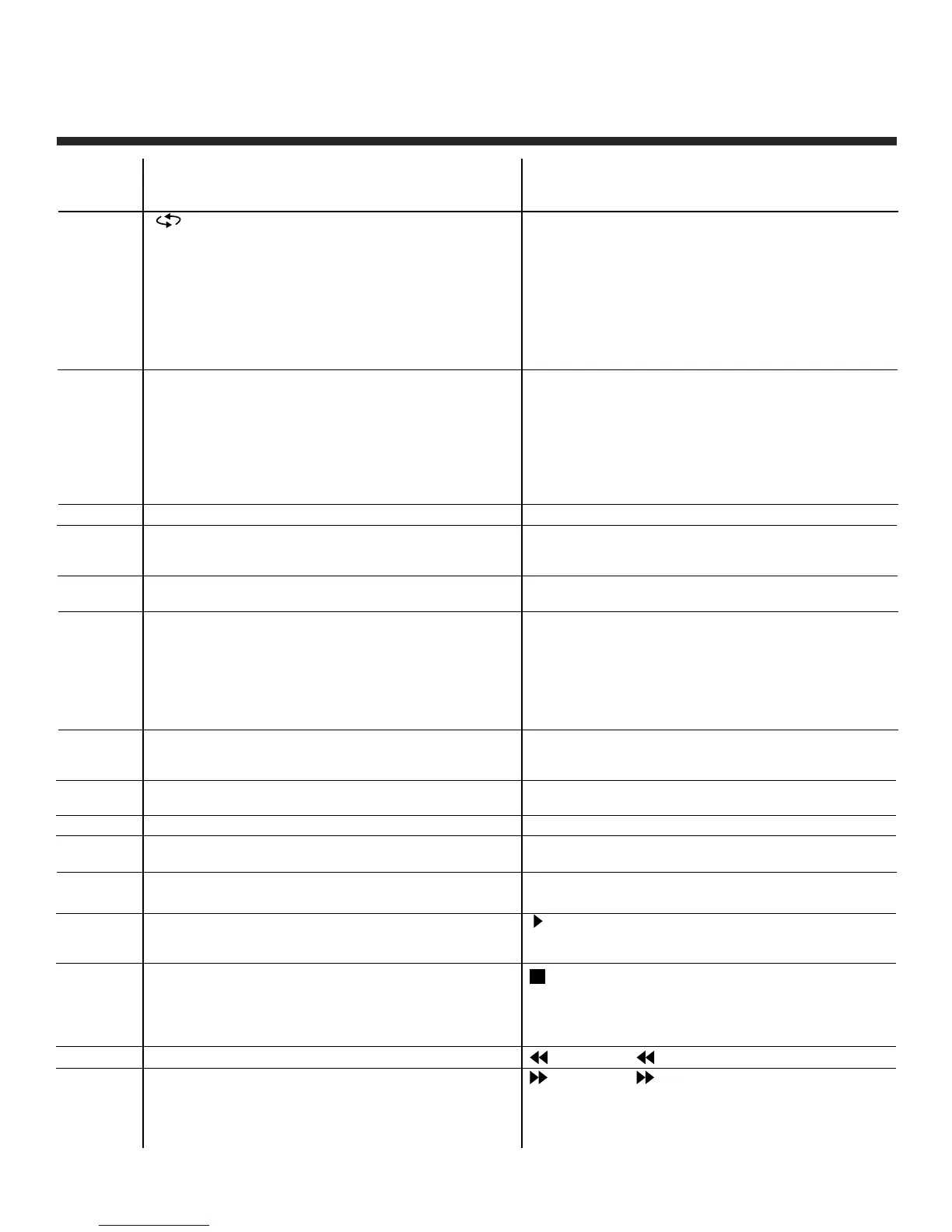
: Previous channel button, return to the
previous channel watched.
MTS: Press to select the audio channel.
• Make sure the TV has searched the
channels and that there is an Analog
Stereo/Dual Sound Signal shown on the
program.
• Press the MTS (Multichannel Television
Sound) button to select STEREO and
MONO.
SLEEP: Sleep button, sets TV power off time.
INFO: Press the info button to view the current
channel. Press again to exit channel
information.
VOL +/-: Volume adjusting button, to increase and
decrease the volume.
AUTO: Auto adjust (only for use with VGA
source).
ASPECT: Select display mode: Wide/Zoom/
Cinema/Normal/Full 100% (only
available under HDMI inputs).
OK: Confirms the selection of the highlighted
menu item.
Right button.
Left button.
EXIT: To exit operation.
FAV: Display favourite of program list.
ADD/ERASE: Add or delete favourite channel.
Button
Position
19
20
21
22
23
24
25
26
27
28
29
30
31
32
33
DVD Functions
SUBTITLE: (for DVD and Super VCD discs)
-Press the SUBTITLE button once to
display the current subtitle.
-Press again to toggle between different
subtitle modes in sequence.
Note: For Multi-language or subtitle DVD
and Super VCD discs, press SUBTITLE
button to select your desired subtitle
language.
AUDIO: Press AUDIO button to choose a different
audio channel.
INFO: Press INFO button for DVD information.
A-B: When playing DVD, VCD, CD, MP3 disc,
press A-B button to repeat certain
contents. Pres A-B key at the start point
(A) and again at the end point (B) to select
the repeated section. Press A-B a third
time to cancel the A-B repeat and return to
normal play.
TITLE: When playing DVD, press TITLE to return
to the main title page.
II : When playing the disc, press PLAY/PAUSE
once to pause, press PLAY/PAUSE again
to return to normal play.
: When playing DVD, SVCD, VCD, CD, press
STOP once, the unit will retain in memory
the stop point. Press PLAY/PAUSE button
to continue play. Press STOP a second time
to stop the play and end the memory.
: Press
for a quick rewind search
: Press button for quick forward search.


 To Next Page