Digital Communication Interface
Cooling Control10
10-9
Set CG calibration
parameter to n
*cg=n *cg=406.25 Unlimited
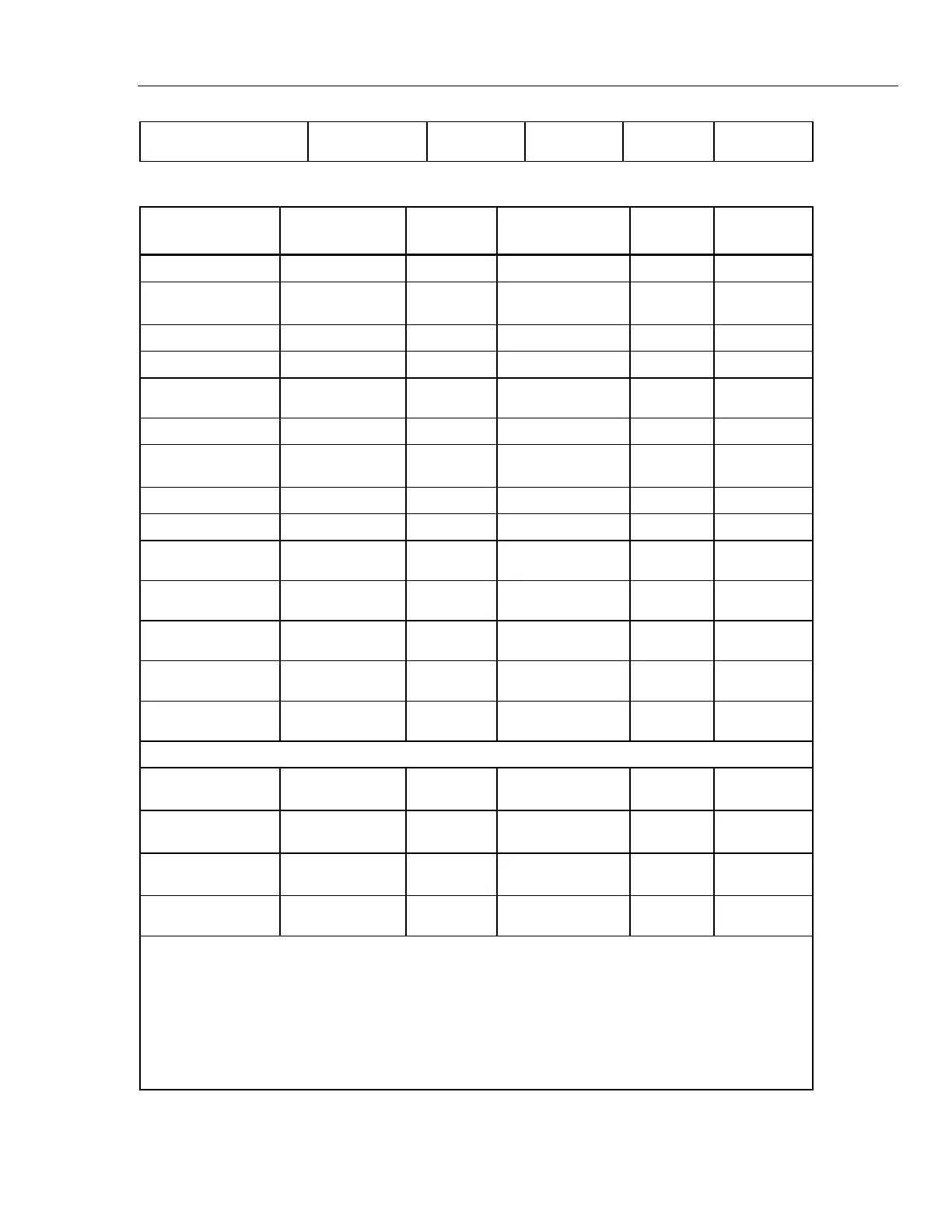
Table 10-1. Interface Command Summary (cont.)
Command
Description
Command
Format
Command
Example
Returned
Returned
Example
Acceptable
Values
Read Cool mode
co[ol] co co:xxx co: auto
Set Cool mode:
co[ol]=of[f]/on/au
[to]
On, Off, Auto
Set Cool mode to Off
co[ol]=of[f] co=of
Set Cool mode to On
co[ol]=on co=on
Set Cool mode to
Auto
co[ol]=au[to] co=au
Read HGb mode
hg[b] hg hgb:xxx hgb: auto
Set HGb mode:
hg[b]=of[f]/on/au
[to]
On, Off, Auto
Set HGb mode to Off
hg[b]=of[f] hg=of
Set HGb mode to On
hg[b]=on hg=on
Set HGb mode to
Auto
hg[b]=a[uto] hg=au
Read low set-point
limit value
*tl[ow] *tl tl: 999 tl: –40
Set low set-point
limit to n
*tl[ow]=n *tl=–40
–60 to 20
Read high set-point
limit value
*th[igh] *th th: 999 th: 150
Set high set-point
limit to n
*th[igh]=n *th=150
–150 to 30
Miscellaneous (not on menus)
Read all extended
parameters
all all list of extended
parameters
Read firmware
version number
*ver[sion] *ver ver.9999,9.99 ver.7341,1.
00
Read all operating
parameters
*all *all list of operating
parameters
Read structure of all
commands
h[elp] h list of commands
Legend:
[] Optional Command data
{} Returns either information
n Numeric data supplied by user
9 Numeric data returned to user
x Character data returned to user
Note: When DUPLEX is set to FULL and a command is sent to READ, the command is returned
followed by a carriage return and linefeed. Then the value is returned as indicated in the
RETURNED column.


 To Next Page