v
List of Figures
Figure Title Page
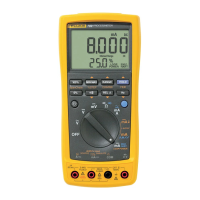
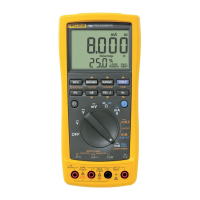
1. Fluke 789 ProcessMeter........................................................................................................ 5
2. Input/Output Jacks................................................................................................................. 6
3. Rotary Function Switch Positions for Measurements ............................................................ 8
4. Rotary Function Switch Positions for mA Output................................................................... 10
5. Pushbuttons .......................................................................................................................... 12
6. Elements of the Display......................................................................................................... 15
7. Sourcing Current ................................................................................................................... 21
8. Simulating a Transmitter........................................................................................................ 23
9. Loop Power Voltage vs. Current............................................................................................ 29
10. Connections for Supplying Loop Power................................................................................. 30
11. Replacing the Batteries and Fuses........................................................................................ 33
12. Replacement Parts................................................................................................................ 36


 To Next Page