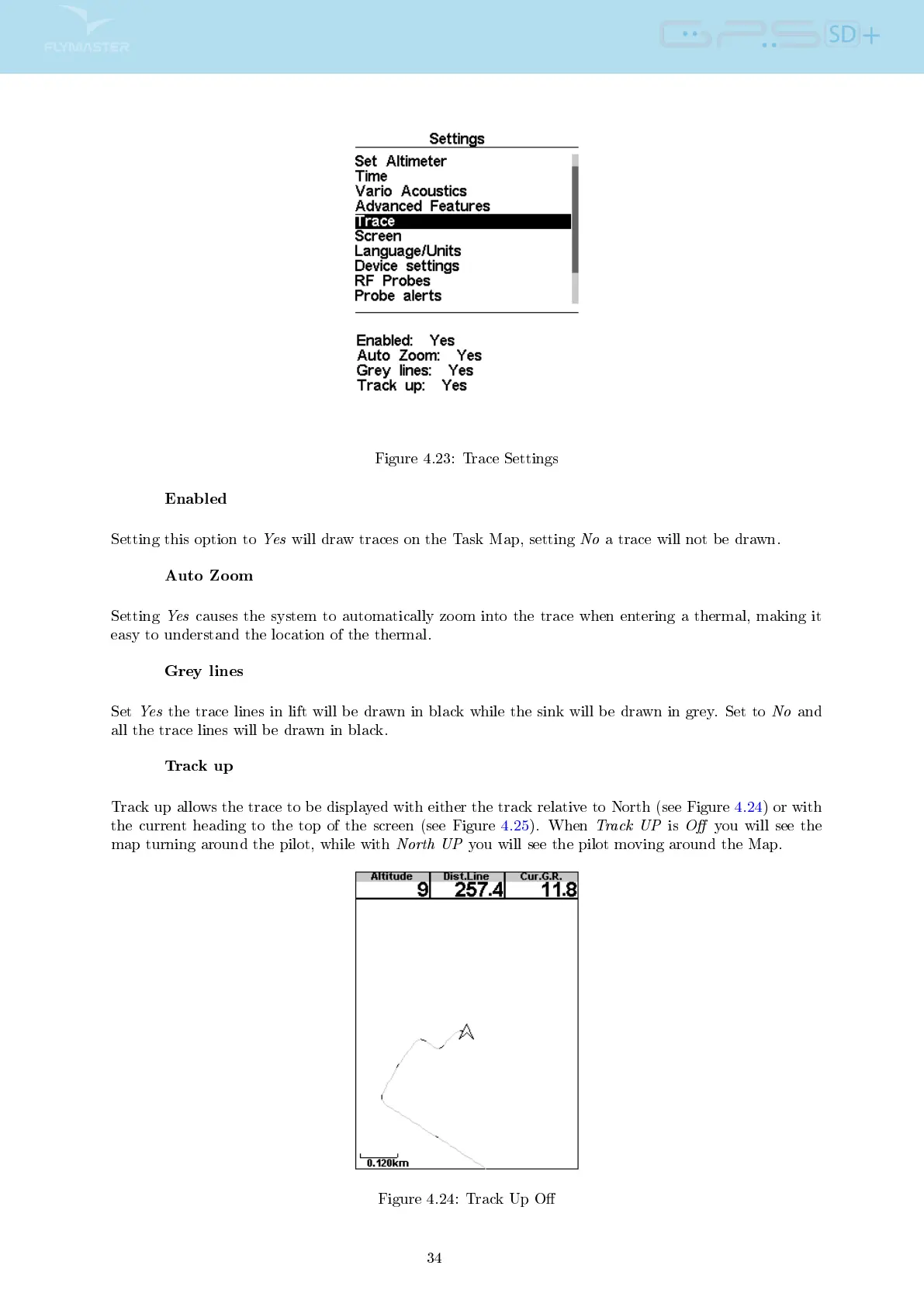
Figure 4.23: Trace Settings
Enabled
Setting this option to
Yes
will draw traces on the Task Map, setting
No
a trace will not be drawn.
Auto Zoom
Setting
Yes
causes the system to automatically zoom into the trace when entering a thermal, making it
easy to understand the location of the thermal.
Grey lines
Set
Yes
the trace lines in lift will be drawn in black while the sink will be drawn in grey. Set to
No
and
all the trace lines will be drawn in black.
Track up
Track up allows the trace to be displayed with either the track relative to North (see Figure 4.24) or with
the current heading to the top of the screen (see Figure 4.25). When
Track UP
is
O
you will see the
map turning around the pilot, while with
North UP
you will see the pilot moving around the Map.
Figure 4.24: Track Up O
34



 To Next Page