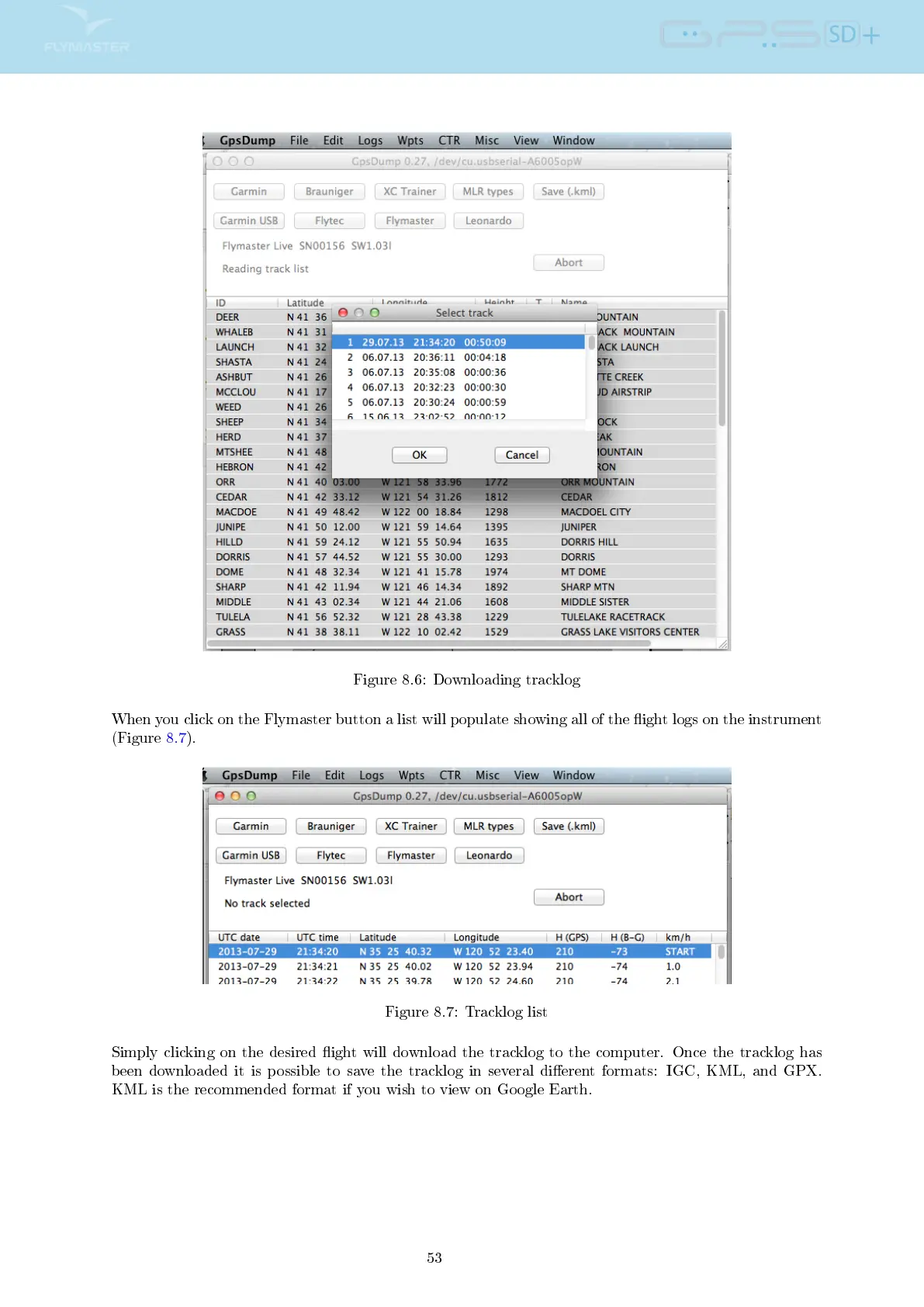
Figure 8.6: Downloading tracklog
When you click on the Flymaster button a list will populate showing all of the ight logs on the instrument
(Figure 8.7).
Figure 8.7: Tracklog list
Simply clicking on the desired ight will download the tracklog to the computer. Once the tracklog has
been downloaded it is possible to save the tracklog in several dierent formats: IGC, KML, and GPX.
KML is the recommended format if you wish to view on Google Earth.
53



 To Next Page