Operating Instruction Flytec 6005/6010 9
Altimeter 2 (ALT2) Absolute / Relative
Altimeter 2 can be used as an absolute or as a relative altimeter. When used as an
absolute altimeter, ALT2 is coupled with ALT1 and it functions in precisely the same way
as altimeter ALT1. Altimeter 2 can then be set to display the altitude in meters and
altimeter 1 in feet, allowing you to view your current MSL altitude in feet and in meters.
When used as a relative altimeter, ALT2 displays your current altitude with respect to a
reference point (e.g. launch, landing field, goal, etc.). This reference point can be set in the
ALT2 set mode (provided that ALT2 has previously been set as a relative altimeter).
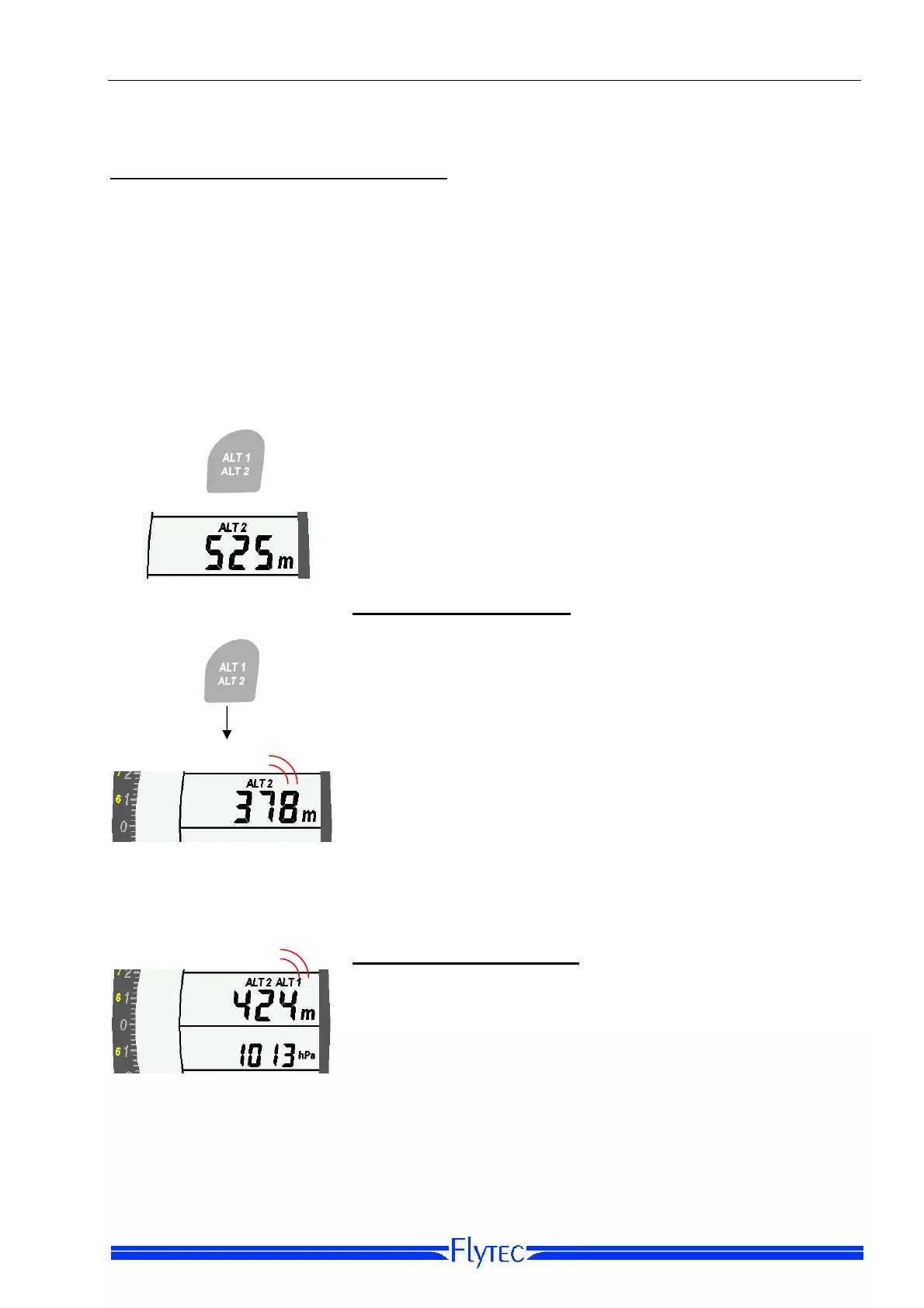
Use the ALT1/ALT2 Key to change from ALT1 to ALT2
display.
Set-Mode ALT2 -Relative
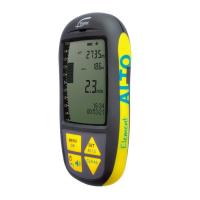
While in the ALT2 display, press the Altitude Key for three
seconds to bring the instrument into ALT2 Set-Mode
(provided that ALT2 has been previously set the be relative).
Press 3 sec.
In ALT2 Set-Mode you can set a reference altitude (for
example, the relative altitude to a goal or waypoint). In order
to do this
ALT2 must be set to relative altitude (see Option 2
below
Set-Mode ALT2 -Absolute
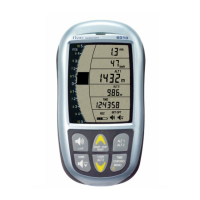
If Altimeter 2 is set to be an absolute altimeter it is adjusted
in the same manner as ALT1. However, it is coupled to
ALT1: any change to ALT2 will be reflected by a
corresponding change to ALT1 (and vice versa).


 To Next Page