FS Functions
FS-4 HD and FS-4Pro HD Portable DTE Recorders 91
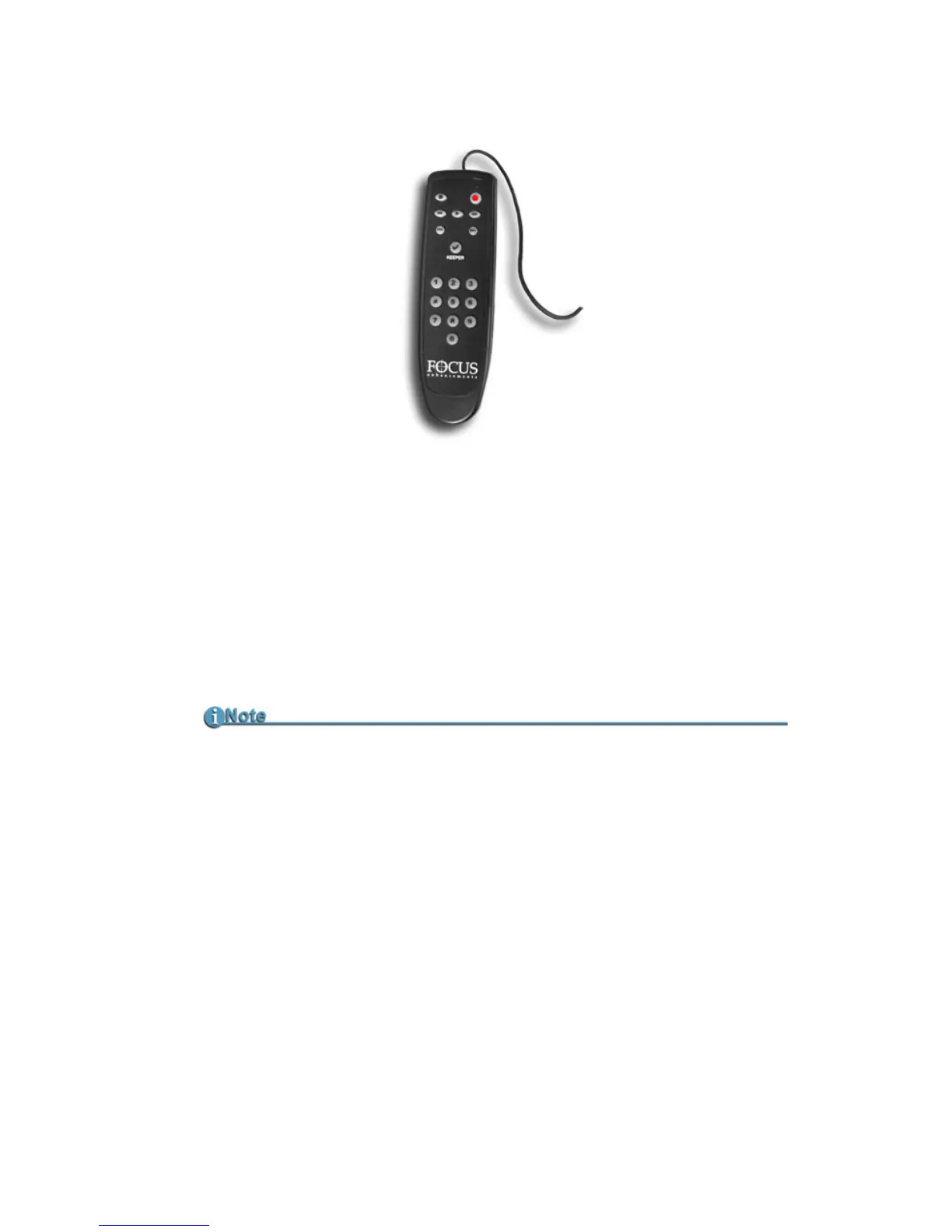
Using a Wired Remote Control
When using the optional wired remote control, use the button
pad numbered 0-9 to mark the clips. Any additional button
presses during a recording or playback, changes the selected
REEL. Once a session is finished, select
Organize REEL in Utilities
screen. The marked clips are placed in the REEL folders in
sequential order.
When a REEL is selected, the Home screen menu displays the
REEL’s name on the left side of the second to the last line of the
screen, refer to
LOCAL on page 94.
Optional Wired Remote Control (p/n ACSS-0019-01)
To order the Wired Remote Control, go to Focus Enhancements website,
www.focusinfo.com/sales/store/.


 To Next Page