Quickstart
FS-4 HD and FS-4Pro HD Portable DTE Recorders 19
Powering the FS-4 HD
• The FS-4 HD operation without a battery installed.
To operate the FS-4 HD without a battery installed,
connect the unit to an AC power source.
• Before operating the FS-4 HD with battery power.
It is first necessary to fully charge the battery. An
uncharged battery, typically takes 2-3 hours to charge.
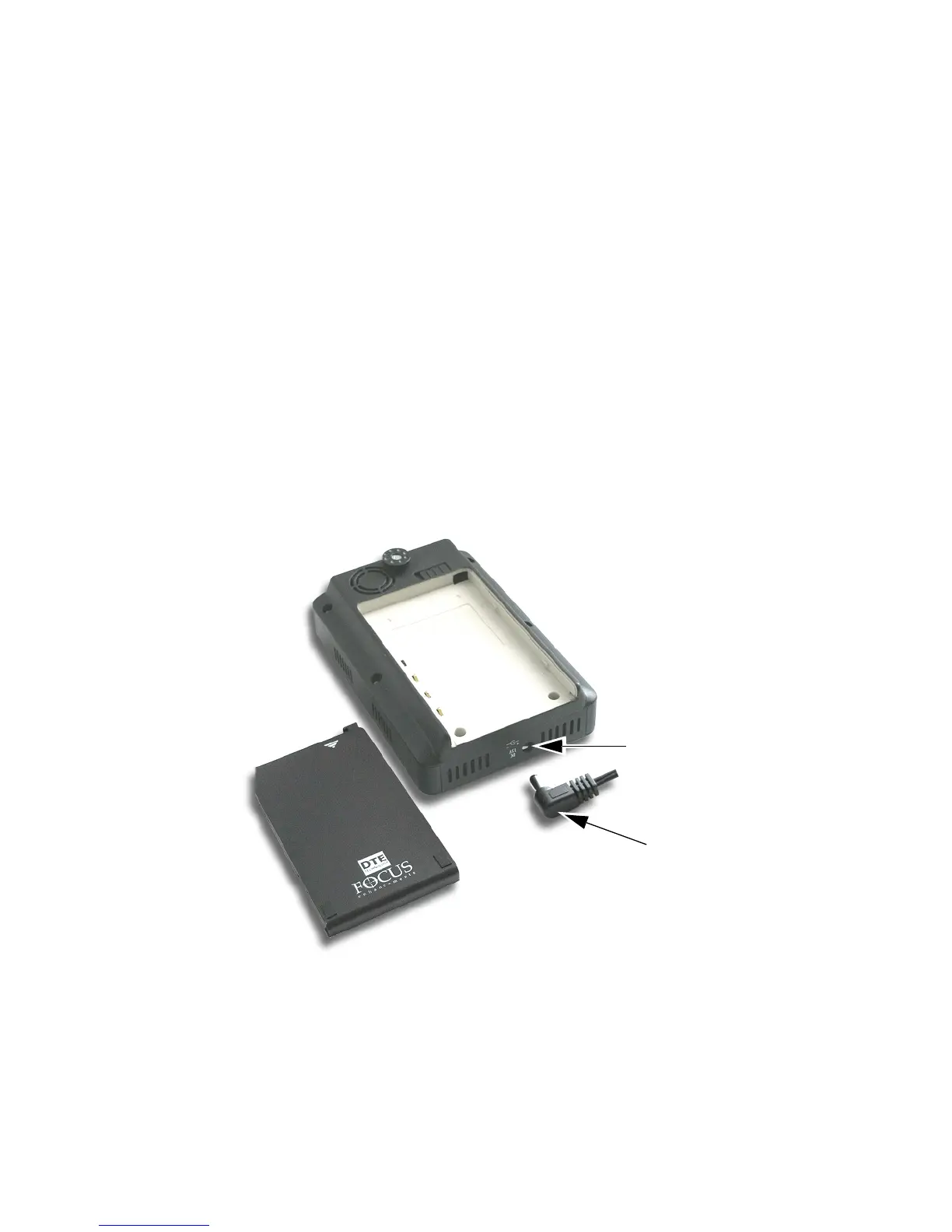
Connecting the FS-4 HD to AC Power
Attach the AC power cord to the FS-4 HD (with or without
battery installed). The FS-4 HD is immediately ready for
operation.
To do this, connect the AC power as follows:
1. Plug the cord from the power supply into the bottom of the FS-4
HD.
2. Connect the line cord to the rectangular power supply
(International models only).
3. Plug the line cord or AC adapter into an electric outlet.
Battery Pack
DC Power Port
DC Cable



 To Next Page