Quickstart
FS-4 HD and FS-4Pro HD Portable DTE Recorders 23
Record and Playback with the FS-4 HD
Before using the FS-4 HD, set up the unit as outlined in the
following sections:
Power On the FS-4 HD ....................................................... 23
Select HDD Recorder Mode ............................................... 24
Select a DV/HD File Format ................................................ 25
Set Time and Date .............................................................. 26
Record With the FS-4 HD ................................................... 28
Manual Recording ............................................................... 29
Syncro Slave Recording ..................................................... 30
Playback on the FS-4 HD ................................................... 31
The values set in these procedures are fixed and persist
through power cycles. To change them, repeat the steps
outlined above.
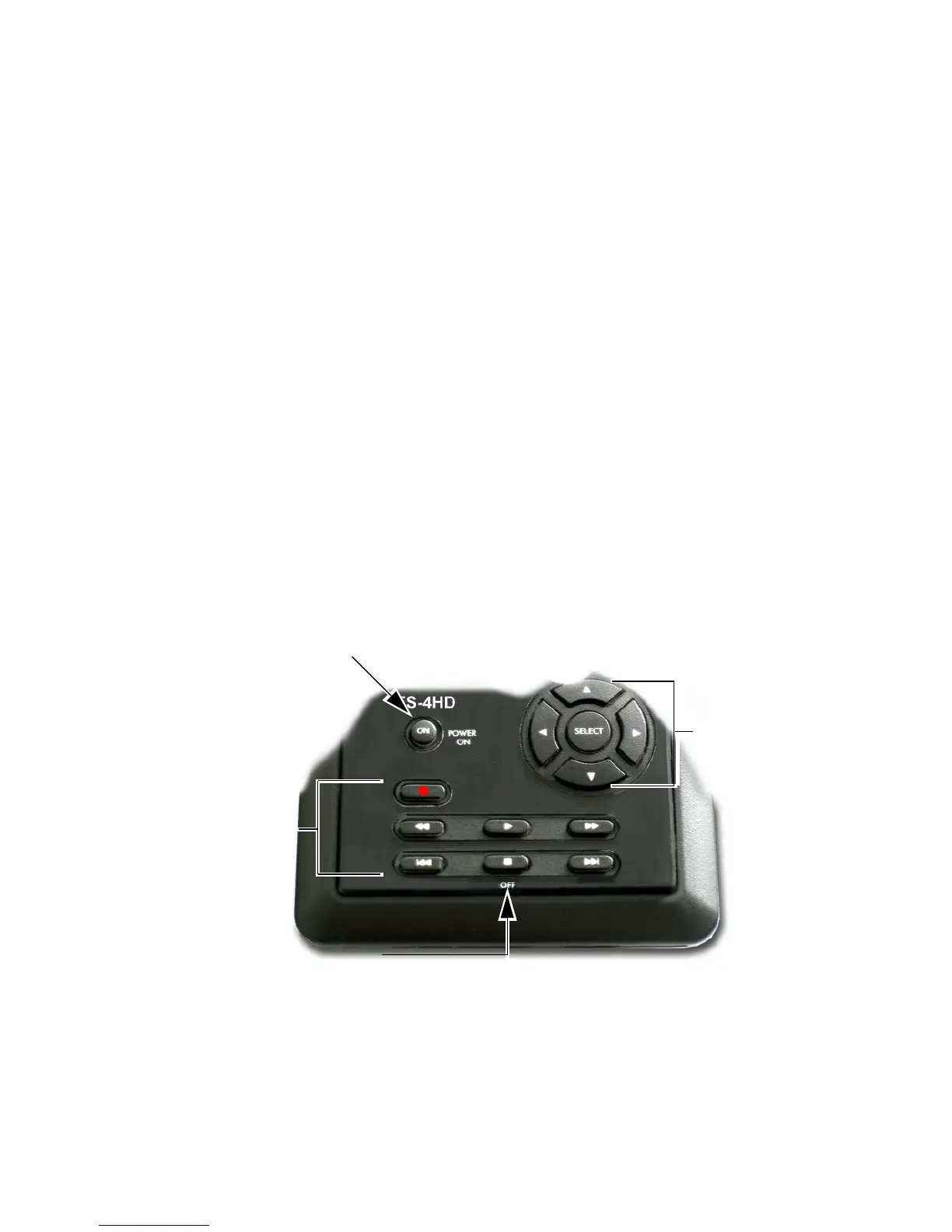
Power On the FS-4 HD
1. Press the Power ON button for more than one second and release
it.
Power ON
OFF (STOP)
To power OFF,
hold down for 3-5 seconds.
Navigation
Buttons
Transport
Buttons



 To Next Page