Using the FS-4 HD with a Computer
FS-4 HD and FS-4Pro HD Portable DTE Recorders 41
Dismounting the FS-4 HD (Windows)
When finished working with the FS-4 HD and the computer, it
is necessary to dismount FS-4 HD from the system
To do dismount the FS-4 HD:
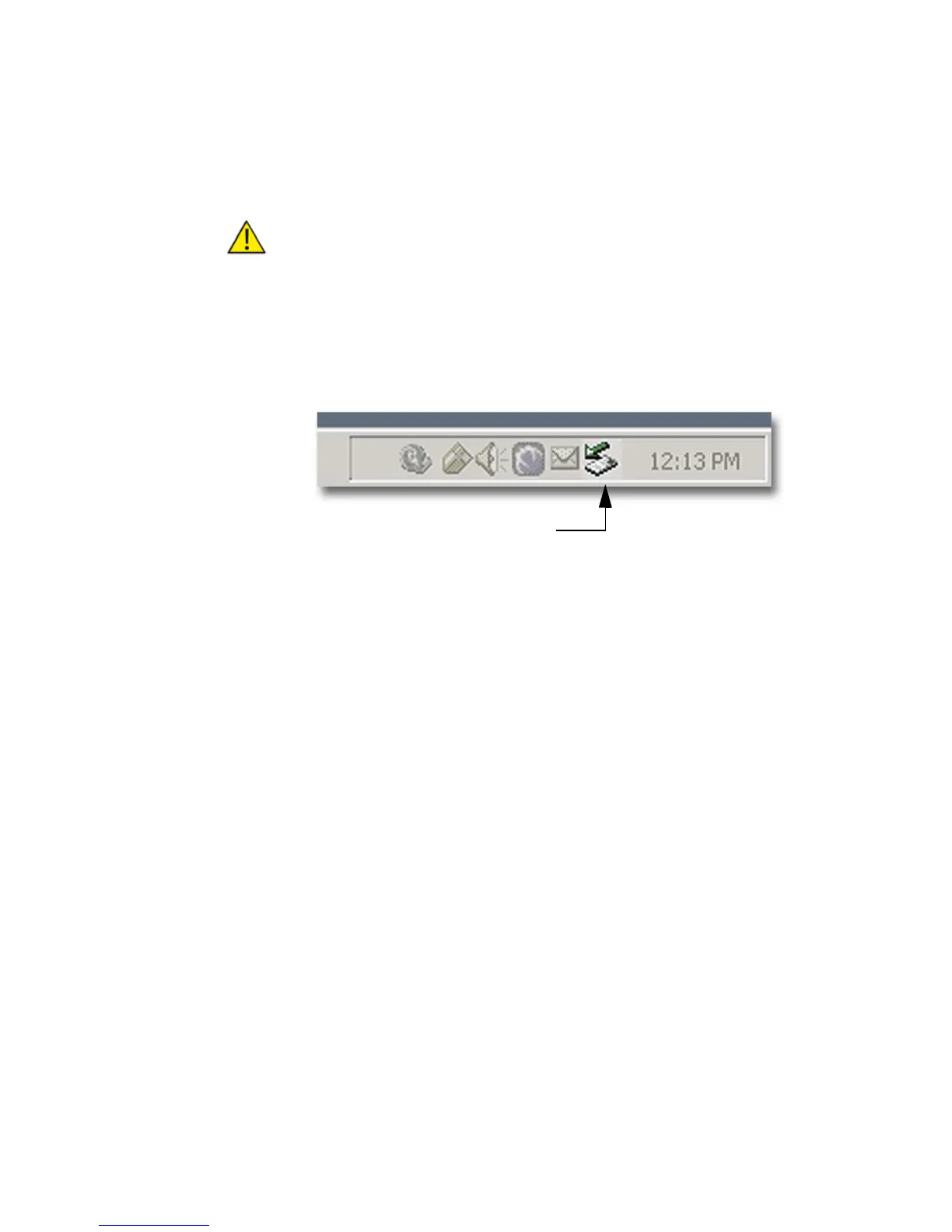
1. Click the Safely Remove Hardware icon at the bottom right side of
the Windows task bar as shown below.
2. Next, the computer system prompts to
Remove the connected
FS-4 HD. This begins the dismount process.
3. Select the message and click on it.
The computer dismounts the FS-4 HD and then displays a
message that it is now safe to remove the unit.
Dismount FS-4 HD Before Powering Off
It is important to dismount the FS-4 HD from the Windows system
BEFORE powering down the unit.
Unplug or Eject Hardware Icon
(Safely Remove Hardware)



 To Next Page