40 FS-4 HD and FS-4Pro HD Portable DTE Recorders
10. Verify that Master Clips is checked and press OK. The
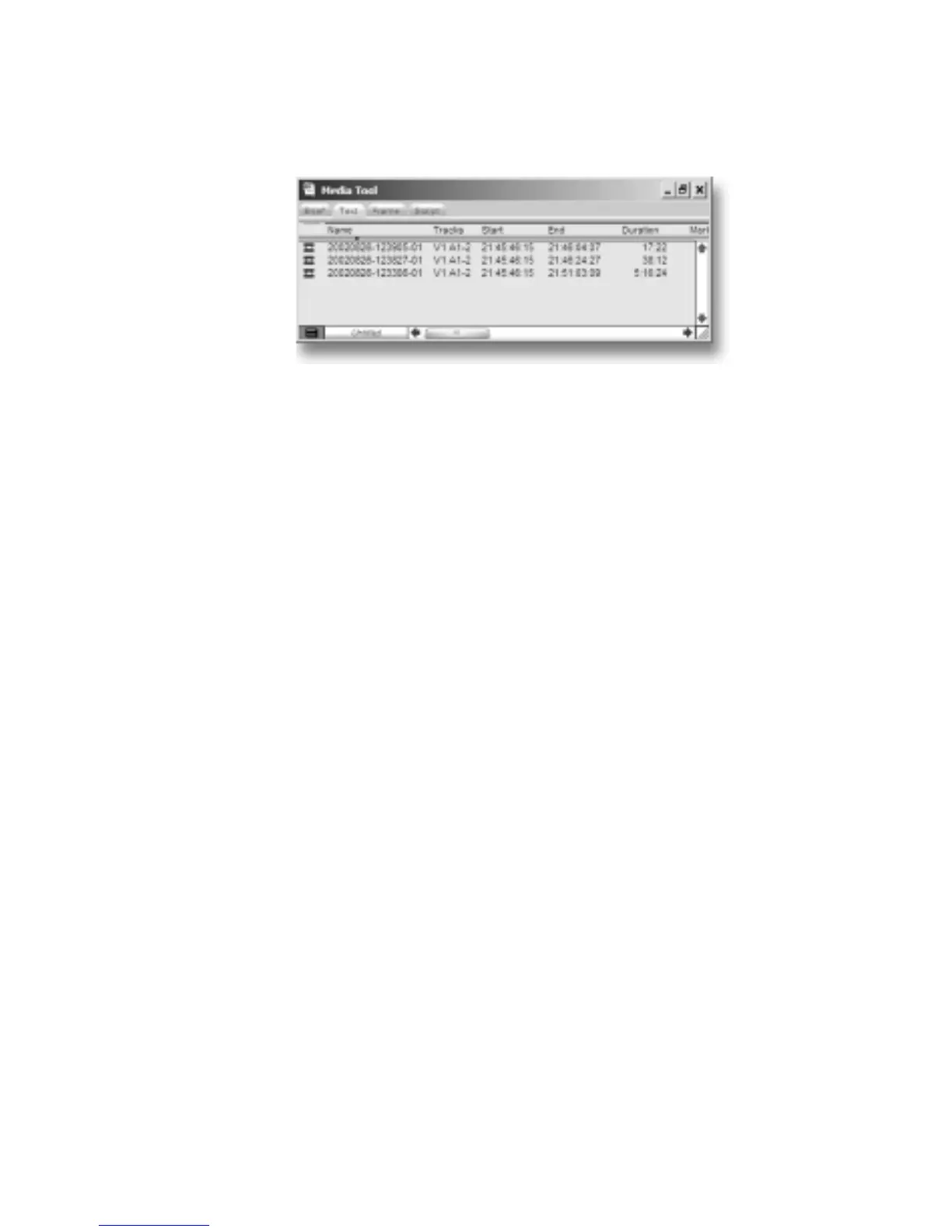
Media Tools Window, similar to the following, appears:
11. Create a new bin (select
File -> New Bin) or open an existing
bin in Avid.
12. Select all items in the Media Tools window (select
Edit>
Select All).
13. Drag the contents of the Media Tools Window into the bin.
It is now possible to use these clips in the Avid timeline.



 To Next Page