Quickstart
22 FS-4 HD and FS-4Pro HD Portable DTE Recorders
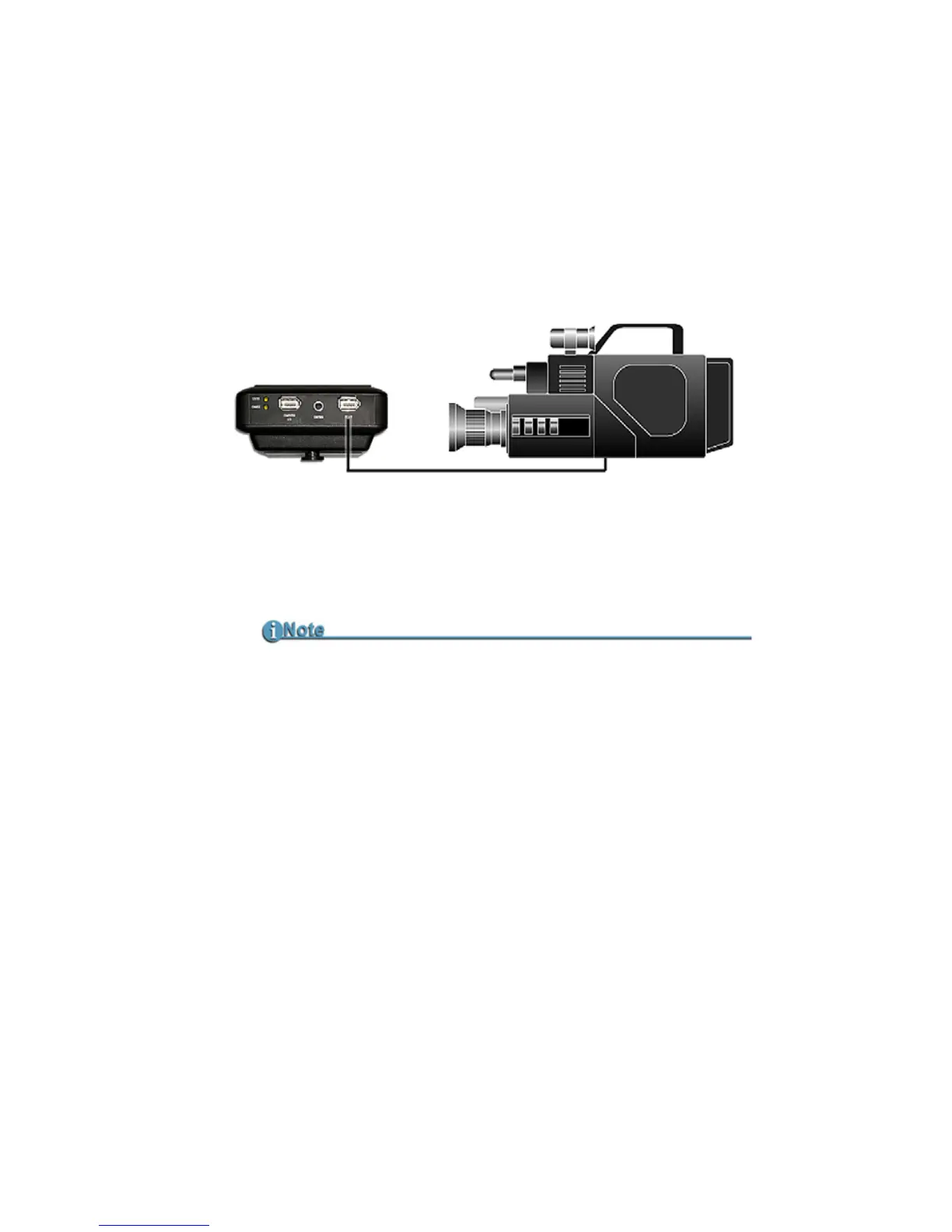
Connecting a FS-4 HD to a DV/HD Camcorder
Before performing this procedure, make sure you have
installed and charged the battery, see
Installing / Removing the
Battery Pack
on page 20.
1. Connect the supplied Firewire cable to the DV I/O connector on
the top of the FS-4 HD. (Only one end will match the plug in the
FS-4 HD.)
2. Locate the FireWire/DV/iLink (or similar) connector on your
video camera. It is located in different places depending upon the
brand of camera. If you are unclear of its location, consult your
video camera manual.
3. Connect the other end of the FireWire, 1394, cable to your video
camera.
4. Turn on the video camera.
5. Turn on the FS-4 HD.
FS-4 HD Supplied with 6-pin to 4-pin FireWire Cable
Some camcorders require a 6-pin to 6-pin FireWire, 1394, cable
and the cable provided with the FS-4 HD will need to be replaced.



 To Next Page