Quickstart
26 FS-4 HD and FS-4Pro HD Portable DTE Recorders
Set Time and Date
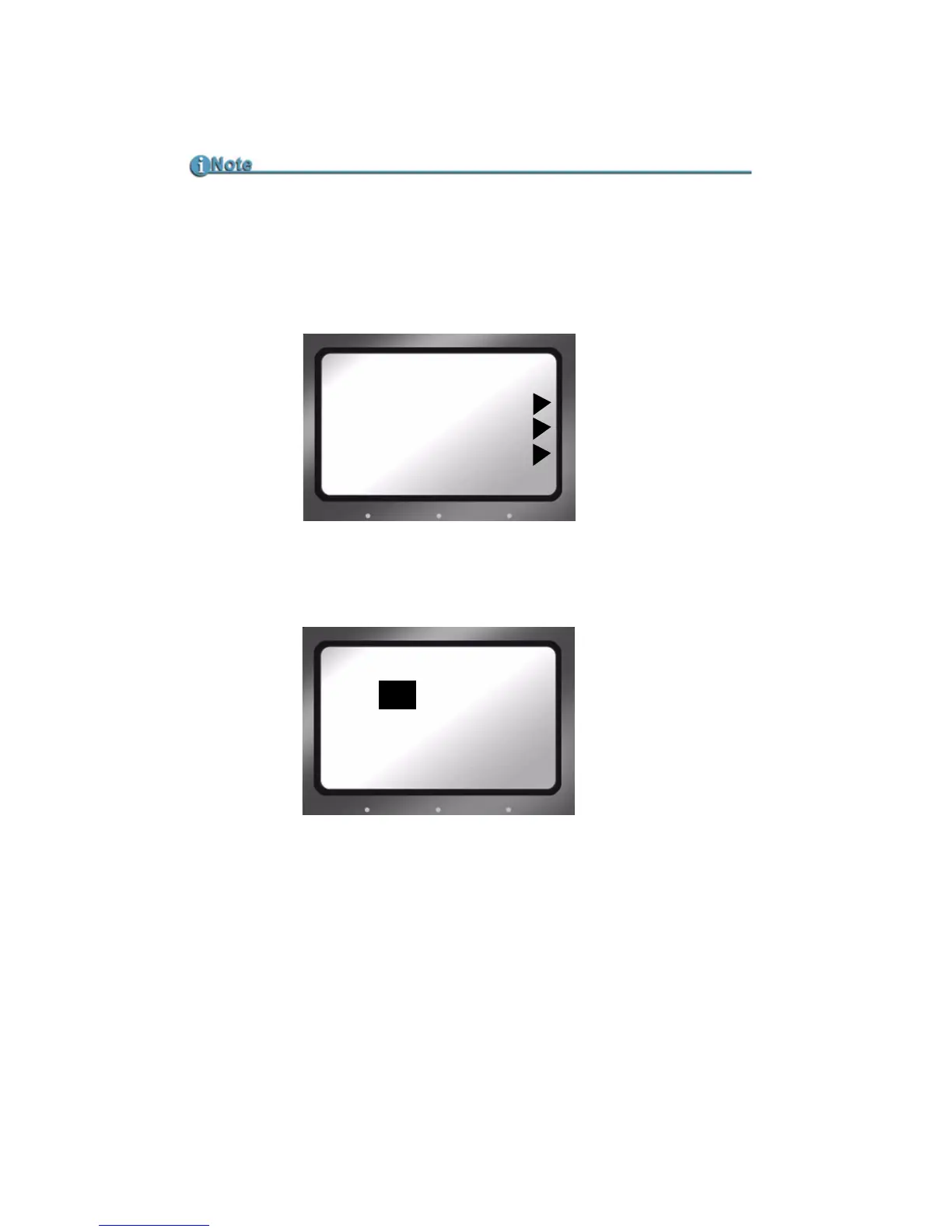
1. Press the Right navigation button several times until the Setup
display appears on the screen as shown below:
2. Use the
Down navigation button to highlight the date and press
the
Right navigation button to access the Set Date screen.
3. Use the
Up and Down navigation buttons to change the
highlighted value. Use the
Right and Left navigation buttons to
highlight the Month, Day, and Year.
4. When complete, press the right-most Function button indicated
as
BACK on the screen. The new date will be indicated on the
Setup Screen.
Date and Time Must Be Set
The date and time must be set because they are used in the FS-4 HD file
naming function.
SETUP
09 / 15 / 05
11 : 21 : 13
V 1 . 0. 0
-LCDLIGHT OFF
SET DATE
09 / 15 / 05
MM / DD / YY
BACK



 To Next Page