Quickstart
FS-4 HD and FS-4Pro HD Portable DTE Recorders 29
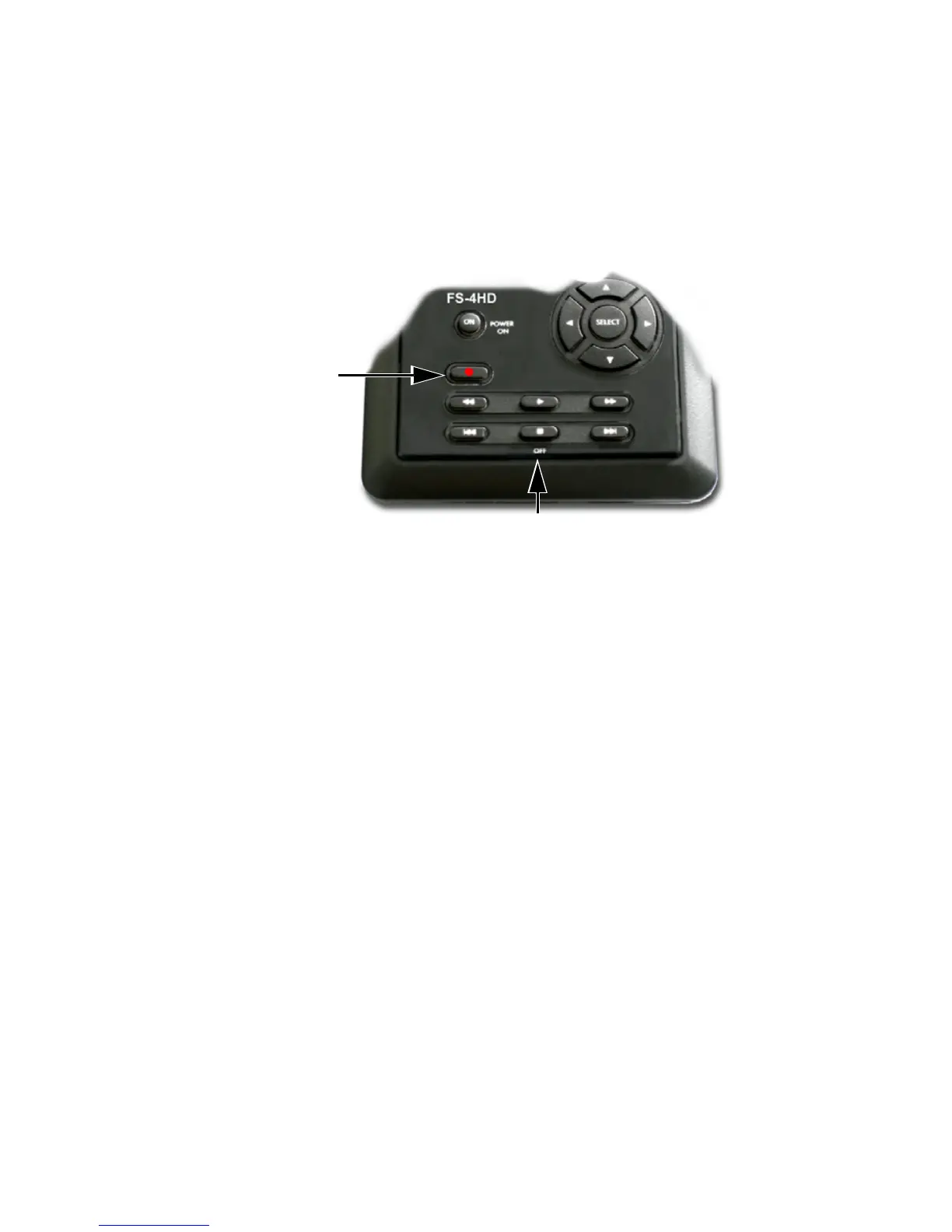
Manual Recording
1. Set the video camera to Camera or Cam mode.
2. Verify that an image appears in the viewfinder.
3. On the FS-4 HD, press Record
once.
This sets the FS-4 HD to
Record-Pause mode.
4. On the FS-4 HD, press Record
button a second time. The
FS-4 HD begins to record. The timecode value is displayed
on the screen.
5. Press
Stop (OFF) once to return the FS-4 HD to
Record-Pause mode.
6. Press
Record and the FS-4 HD begins to record again on
the same clip.
7. Press
Stop (OFF) twice to stop the recording.
8. Press
Record twice to begin recording a new clip.
Creating a New File without Dropping Frames
When in record mode, it is possible to break the recording into a
separate, new file without dropping frames.
Press
Record and the FS-4 HD automatically creates a new
clip.
Record
Stop (OFF)



 To Next Page