7
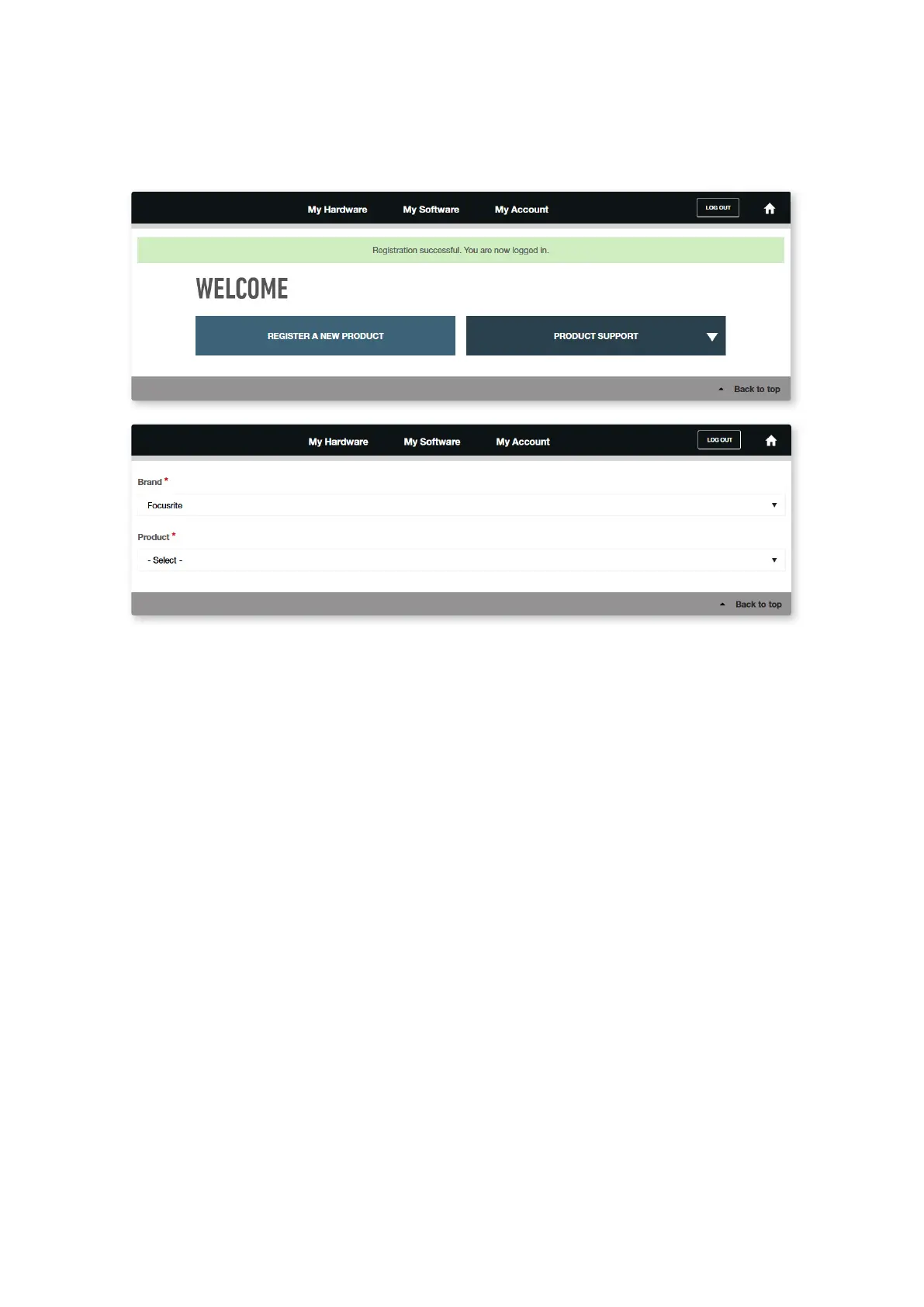
3. If you do have an account, log in and select REGISTER A NEW PRODUCT:
4. Select your Clarett USB device from the Product drop-down list and enter your device’s Serial
Number at the bottom of the page. You can nd the serial number on the rear or underside of the
Clarett, and also on the gift box. Then click Set Serial Number.
5. Follow the rest of the on-screen instructions to nish registering your device.
6. When registration is complete, your Product will appear in your Account under the
My Hardware tab.
7. All your bundled software can be found under the My Software tab in your account.














 To Next Page