14
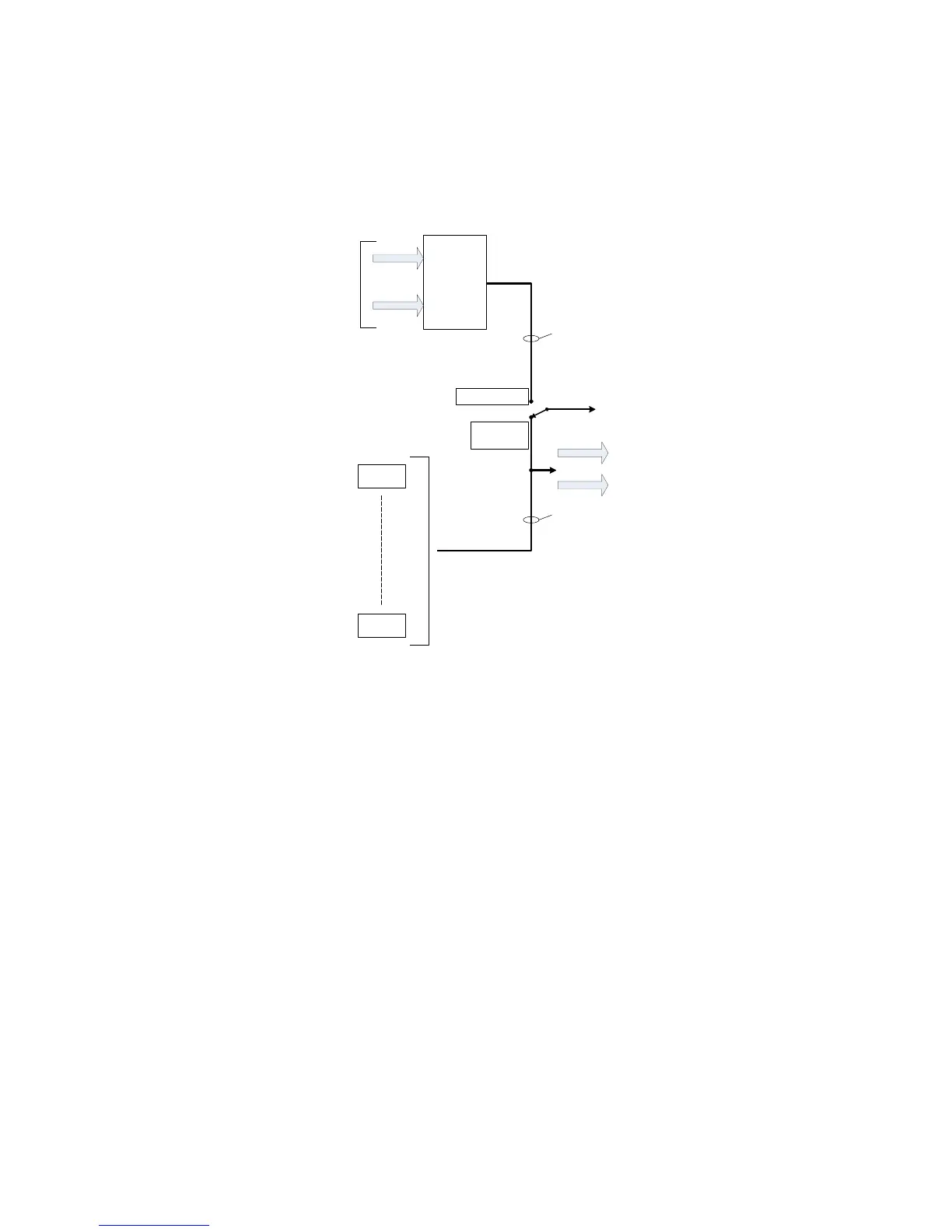
ADAT-to-Line mode
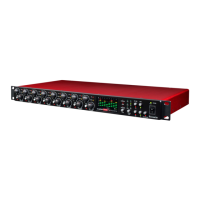
Selecting ADAT > LINE mode ([12] on the front panel) reassigns the eight sources for the analogue
LINE OUTPUTS [18]. In normal operation, the outputs of the mic pre-amplifier channels are available
at these connectors; in ADAT > LINE mode, the connectors are fed with the ADAT digital signals at
the ADAT IN port(s), following D-to-A conversion.
DEMULTIPLEXER
and D-A
CONVERSION
OPTICAL
INPUTS
Ch. 1
Ch. 8
LINE
OUTPUTS
1 - 8
ADAT > LINE
mode not
selected
ADAT > LINE mode
selected
8 chs.
8 chs.
OPTICAL OUTPUTS
This mode enables the Scarlett OctoPre Dynamic to be used to connect an 8-channal ADAT format
output (from a DAW, for example) to a set of analogue inputs, typically the channels of an analogue
mixing console, to permit such a mixer to be used to mix down DAW tracks.
When ADAT > LINE mode is enabled, the eight microphone pre-amplifiers are still operational, and
their outputs remain available at the ADAT OUT ports.



 To Next Page