17
4. Scarlett OctoPre Dynamic with audio interface
– SMUX-II and SMUX-IV modes
Clock set to Internal via Focusrite Control
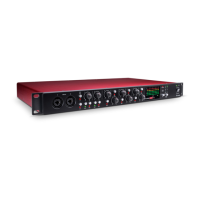
Clarett 8PreX
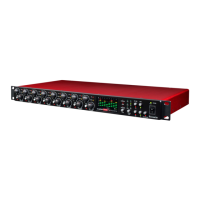
Scarlett OctoPre Dynamic
SYNC set to W/CLOCK
from the front panel
Optical TOSLINK
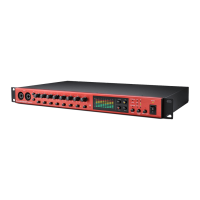
This example shows a similar setup to Example 2, but using a Focusrite Clarett 8PreX allows
operation at a sample rate of 96 kHz (“SMUX-II” mode). Both units must be set to 96kHz; two optical
cables are used, carrying four channels of audio each. The Clarett 8PreX is the sync master.
This setup is also applicable with 192 kHz sample rate (“SMUX-IV” mode); each optical cable will
then carry two channels of audio.
5. Scarlett OctoPre Dynamic with analogue mixing desk
Scarlett OctoPre Dynamic
ANALOGUE MIXING DESK
This setup uses the Scarlett OctoPre Dynamic’s mic pre-amplifiers and compressors to provide a
high quality “front end” for an analogue mixing desk. Use a pre-made loom to connect the OctoPre’s
LINE OUTPUTS socket to eight line inputs on the mixing desk; this will need eight ¼” TRS jacks on
one end and eight connectors appropriate to the desk’s line inputs on the other. If the desk’s line
inputs are unbalanced, a loom with TS jacks at the OctoPre end will be suitable.
This setup would also be appropriate to use the OctoPre as an input stage with any type of 8-channel
analogue device.



 To Next Page