7
NOTE: if the dash cam cannot recognize the SD card after you
format it, please format it again on the computer: 32GB SD card
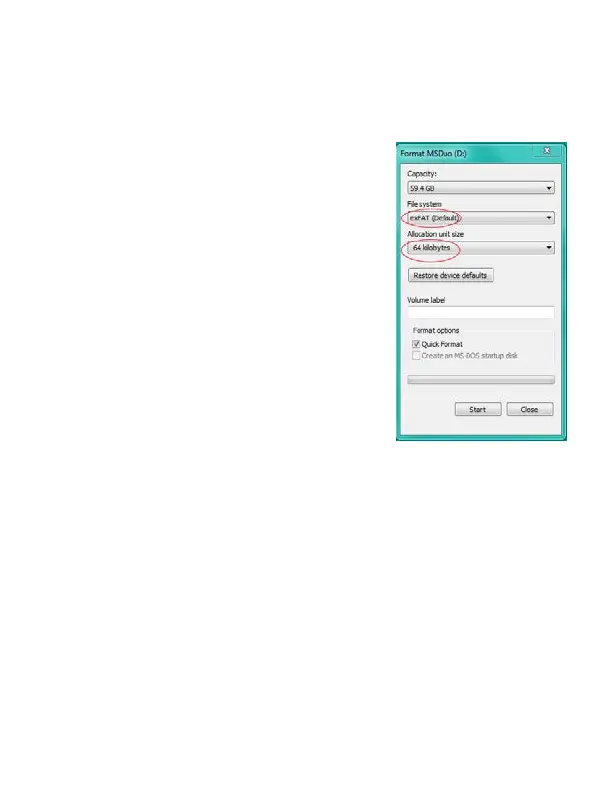
should be format to FAT32; 64-256GB MicroSD card should be
formatted to exFAT and set the Allocation
Units Size to 32KB or 64KB, depending on
whether your computer operating system is
32-bit or 64-bit.
Follow the instructions below to format the
MicroSD card on your computer.
Windows
1. Insert the MicroSD card into your
computer. You may need a SD card reader
for this.
2. Open File Explorer and locate the drive
letter for your MicroSD card. Right-click the drive and select Format.
3. Set the File System to exFAT (32GB SD card choose FAT
format). Set the Allocation unit size to 32KB OR 64KB. Select Start
to begin.
4. Select OK to begin formatting the card.
MAC
1. Insert the MicroSD card into your computer. You may need a card
reader for this.
2. Open Disk Utility. To do this, click on the magnifying glass in the



 To Next Page