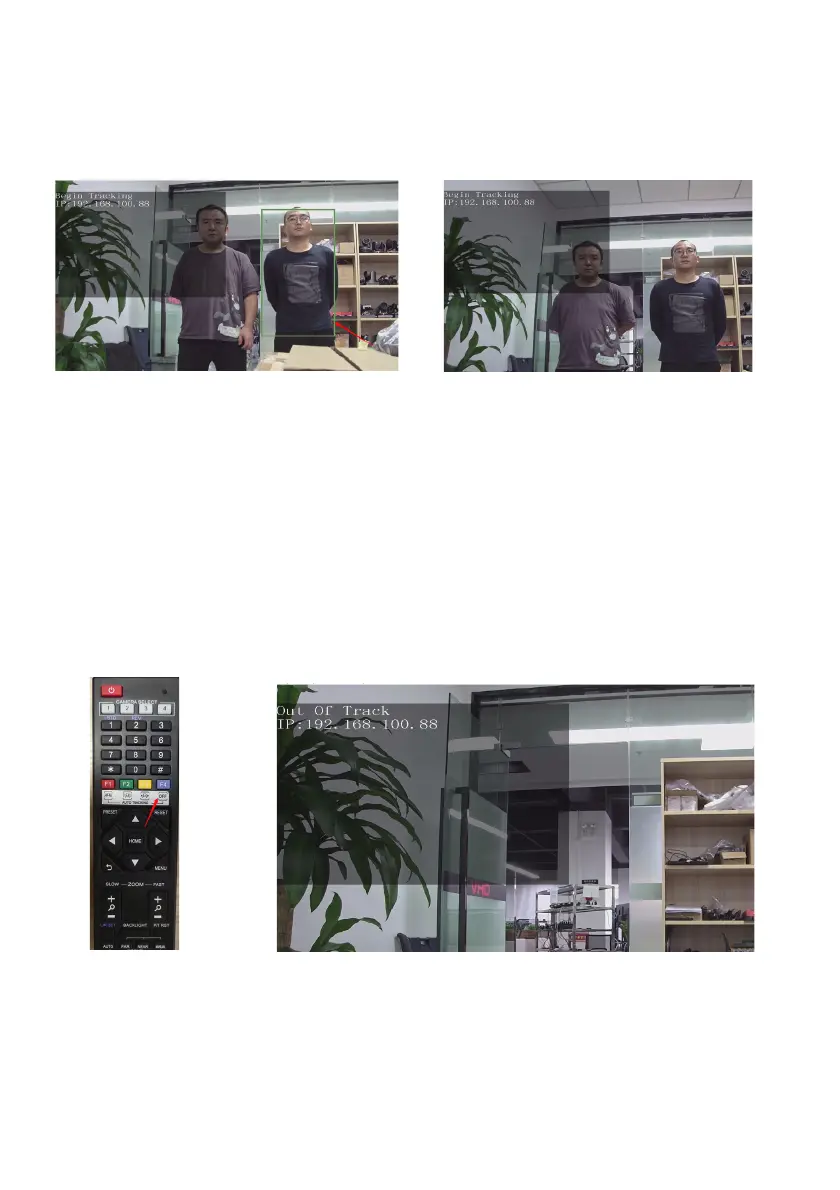
When the camera finds that the target is lost, it will stand still at the position where the target is lost for a
few seconds and then return to the home position. It will automatically enter the tracking state until the
target appears again
2. Turn off tracking
In the tracking state, press the F4 to exit tracking mode.
When you are willing to end the tracking, press the F4 key (Figure V) on the remote control to
exit tracking mode. After tracking, the camera will return to home position, the screen is
shown as the following figure, the tracking program exits successfully. (Figure VI)
Figure III
Figure IV
Figure V
Figure VI


 To Next Page