At the end of the X-Ray exposure the unit comes to a complete stop. Move the arm to
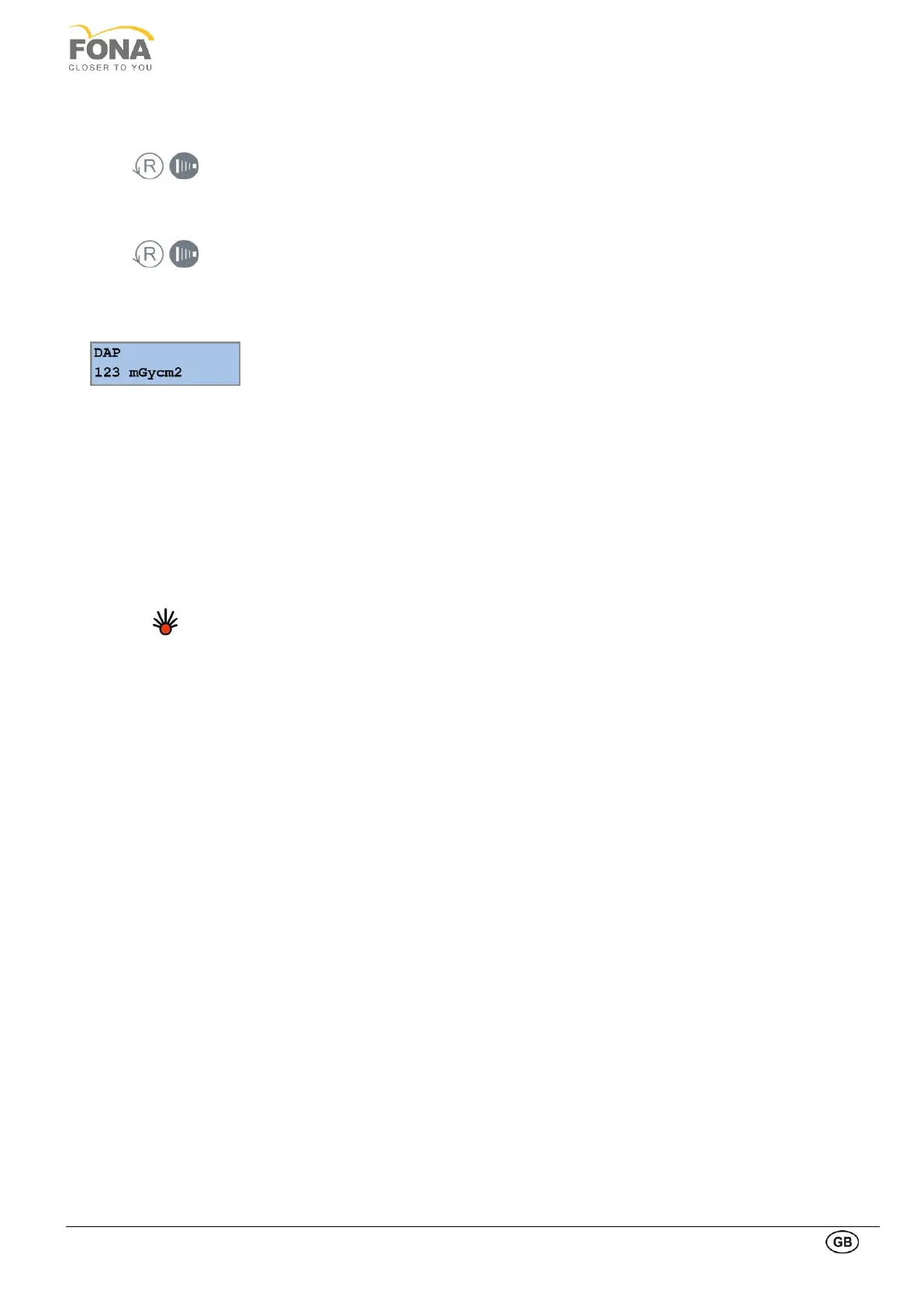
PATIENT EXIT position using the RETURN Arm Movement key or the EXPOSURE key
on the hand switch for short time.
Open the temple support (optional) and have the patient stepping out.
Move the arm to PATIENT ENTRY position for next exposure using the RETURN Arm
Movement key or the EXPOSURE key on the hand switch for short time.
The resulting X-Ray exam will be available in the Oris Win DG Suite program on the PC
in a few time.
The value of the dose by area product (DAP) in mGy cm2 is indicated on display after a
panoramic exposure. Do acknowledge the DAP value with RETURN or EXPOSURE key
to proceed.
DAP computations can be enabled or disabled via service function.
7.7. COOLING DOWN OF THE TUBEHEAD
This feature protects the X-ray tube by preventing premature triggering of a new
exposure should the load requested by the next exposure exceed the available capacity.
The red light on the control panel keeps blinking until cool-off time has elapsed.
Possible malfunctions during the use generate an error message and the unit is blocked.
A list of messages are reported in chapter 12. Depending on the malfunction, technical
service might be required.


 To Next Page