6
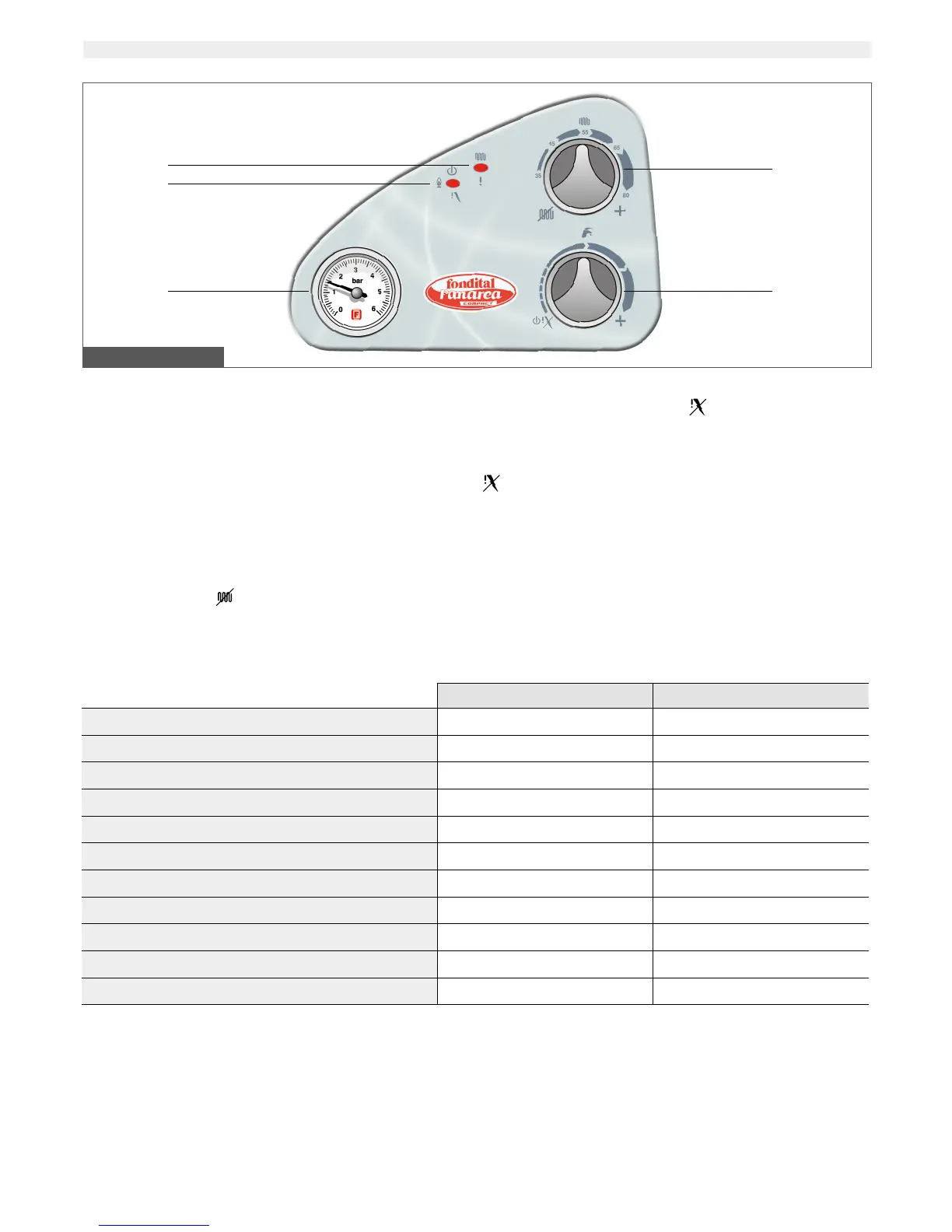
1. Boiler working mode led (multi-color)
See no. 1 chart at the bottom of the page for further details on color
displayed by led in relation to boiler working mode.
2. Boiler working mode led (multi-color)
See no. 1 chart at the bottom of the page for further details on color
displayed by led in relation to boiler working mode.
3. Water pressure gauge
The gauge shows water pressure in the CH system.
4. CH selector and adjusting knob
The knob activates or de-activates CH operation, and adjusts CH water
temperature between a minimum of 35°C and a maximum of 78°C.
When the knob is set to
(fully turned counter-clockwise), the boiler
is set to summer mode and CH operation is de-activated.
4. DHW selector and boiler shutdown reset
The knob sets the boiler to stand-by (
position, fully turned counter-
clockwise), and adjust DHW temperature between a minimum of 35°C
and a maximum of 58°C.
When the boiler has shut down is to be reset by turning the knob to
position.
WARNING
The boiler has a special built-in regulator limiting DHW flow up to 10
liter per minute. In addition to the setting of no. 5 selector,
the temperature of the DHW supplied also depends on the flow reque-
sted by the user and the temperature of the water mains supply.
1. INSTRUCTIONS FOR THE USER
1.1 Control panel
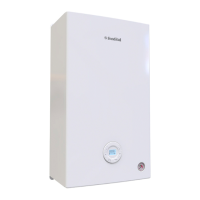
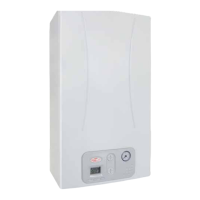
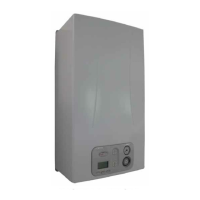
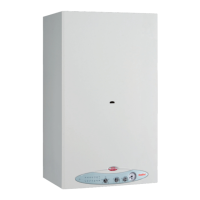
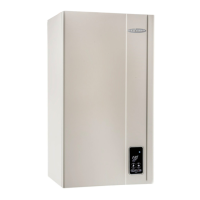
Pic. 1 – Control panel
1
2
3 5
4
No. 1 chart – Color displayed by led in relation to boiler operation status
LED 1 LED 2
Power connected to boiler n/a GREEN
Flame presence n/a YELLOW
Active CH mode GREEN n/a
Shutdown due to flame absence OFF RED
Flue gas thermostat shutdown YELLOW OFF
Safety thermostat shutdown RED OFF
Gas valve alarm FLASHING GREEN OFF
Water pressure switch alarm FLASHING YELLOW OFF
Flow water temperature alarm (>85°) FLASHING RED n/a
CH flow probe alarm FLASHING YELLOW/RED OFF
DHW probe alarm FLASHING GREEN/RED OFF
KEY CHART TO ACHRONYMS
OFF LED off
RED LED on, displaying the color stated in the chart
FLASHING RED LED flashing, displaying the color stated in the chart
RED/GREEN LED flashing, displaying in sequence the colors stated in the chart
n/a LED status is not relevant





 To Next Page