18
Press to turn off the meter.
The voice guide repeats all settings
before shutdown.
NOTE:
• These parameters can ONLY be changed in the setting mode.
• If the meter is idle for 3 minutes during the setting mode, it will switch off
automatically.
User Number Selection (for FORA D40c
and FORA D40d)
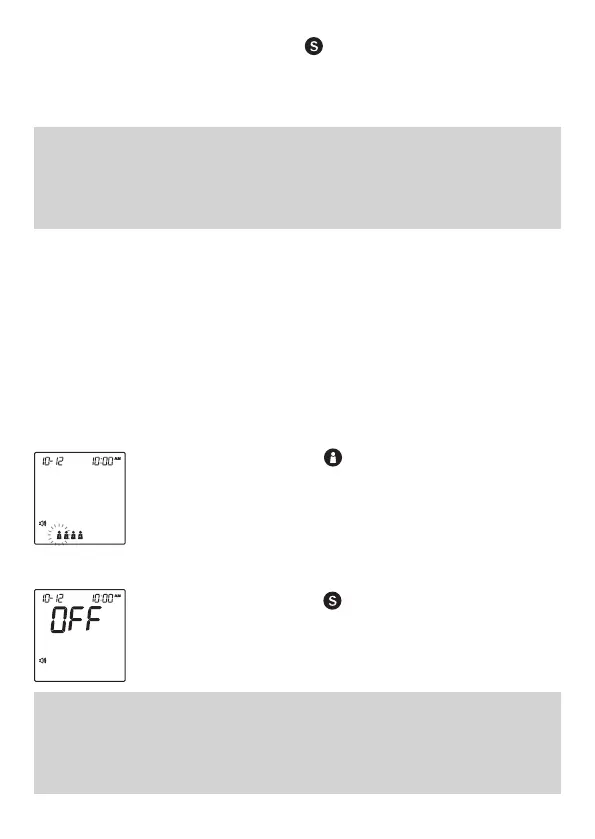
This system provides up to four users
for blood pressure measuring functions.
Each userʼs test results are stored
separately under each user number.
1. Press to select the desired user
number.
2. Press to confirm. The voice guide
will repeat the selected number and then
turn off automatically.
NOTE:
In blood glucose testing, the meter will always display user number 1 during
the process and the glucose results are stored under user number 1 only in the
meter memory.



 To Next Page