34
Reviewing Day Average Results
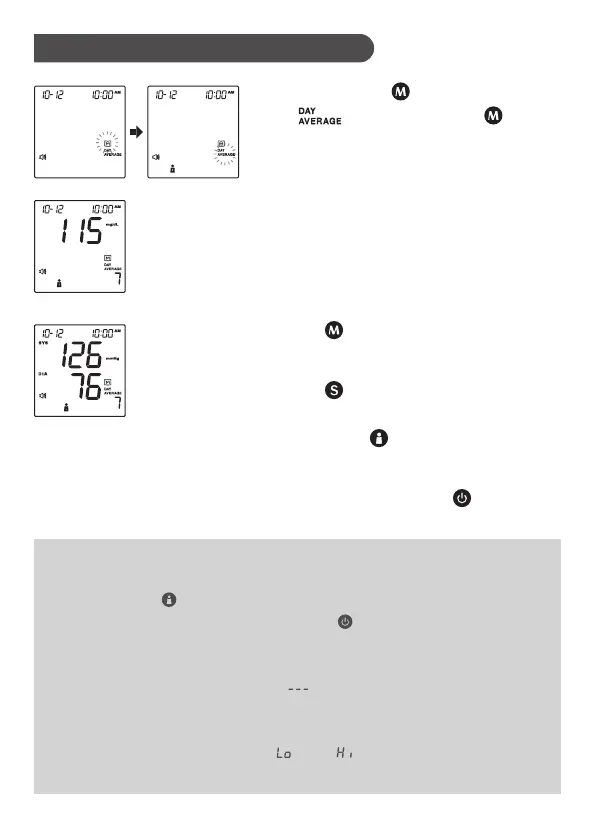
1. Press and hold for 3 seconds until
the “ ” appears. Release and
then your blood glucose 7-day average
result will appear on the display.
NOTE:
• Any time you wish to review the blood pressure results of different user
numbers, press .
• Any time you wish to exit the memory, press or leave it without any action
for 3 minutes. The meter will turn off automatically.
• Control solution results are NOT included in the day average.
• If using the meter for the first time, “ ” displays when you recall the test
results or review the average result. This indicates that there is no test result
in the memory.
• The blood glucose test results of “ ” and “ ” will NOT be calculated in the
day average results.
2. Press . Review your 14-, 21-, 28-,
60- and 90- day average.
3. Press . Switch to review your blood
pressure 7-, 14-, 21-, 28-, 60- and 90-day
average. Press to select the desired
user number.
4. Exit the memory. Press and the
meter will turn off.



 To Next Page