51
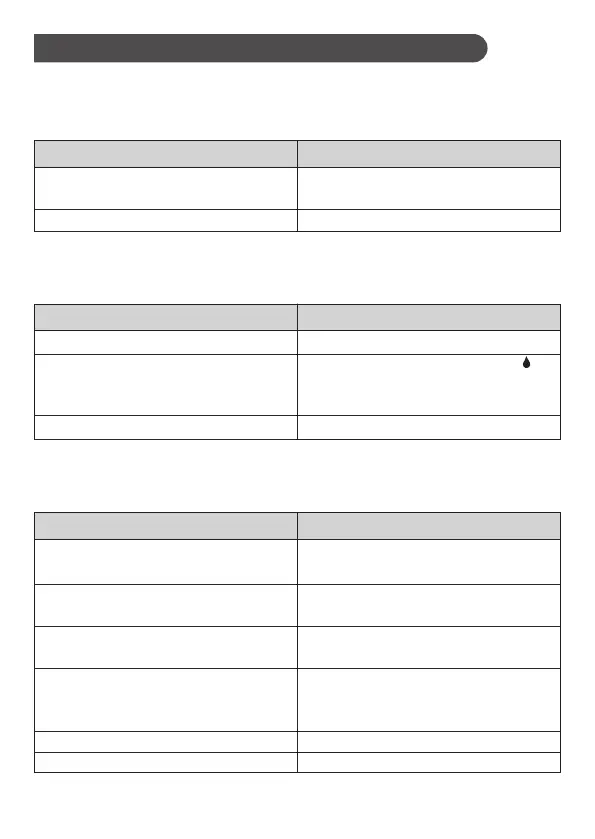
1. If the meter does not display a message after inserting a test strip:
POSSIBLE CAUSE
WHAT TO DO
Test strip inserted upside down or
incompletely.
Defective meter or test strips.
Insert the test strip with contact bars
end first and facing up.
Please contact customer services.
2. If the test does not start after applying the sample:
POSSIBLE CAUSE WHAT TO DO
Defective test strip.
Sample applied after automatic
switch-off (3 minutes after last user
action).
Defective meter.
Repeat the test with a new test strip.
Apply sample only when flashing “ ”
appears on the display.
Please contact customer services.
3. If the control solution testing result is out of range:
POSSIBLE CAUSE WHAT TO DO
Error in performing the test.
Control solution vial was poorly shaken.
Expired or contaminated control
solution.
Control solution that is too warm or
too cold.
Defective test strip.
Meter malfunction.
Read instructions thoroughly and
repeat the test again.
Shake the control solution vigorously
and repeat the test again.
Check the expiry date of the control
solution.
Control solution, meter, and test strips
should be at room temperature 68
°
F to
77
°
F ( 20
°
C to 25
°
C) before testing.
Repeat the test with a new test strip.
Please contact customer services.
Troubleshooting
Blood Glucose Measurement



 To Next Page