31
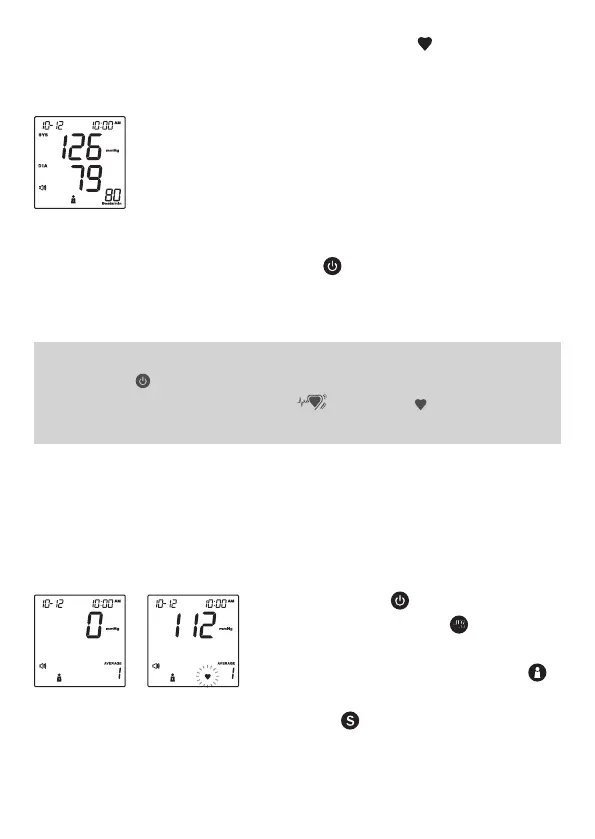
2. The heart symbol “ ” will flash when
a pulse is detected during the inflation.
3. After the measurement, the meter
displays the systolic pressure, diastolic
pressure and pulse rate.
4. Press to switch off. Or it will switch
off automatically if left idle for 3 minutes.
NOTE:
• If you press during measurement, the meter will be turned off.
• If the pulse rate symbol is shown as “ ” instead of “ ”, it means the
heart beat period deviated from the mean heart beat by greater than 25%.
●
Measurement Average Mode
Always apply the pressure cuff before
turning on the meter.
1. Press and hold for 3 seconds (for
FORA D40d), or just press (for FORA
D40c and D40g). The meter will turn on
and enter the averaging mode. Press
to select the desired user number and
then press . Then the cuff will begin to
inflate automatically (for FORA D40c and
FORA D40d).



 To Next Page