14
The meter stores the 448 most recent blood
glucose test results along with respective dates
and times in its memory. To enter the meter
memory, start with the meter switched off.
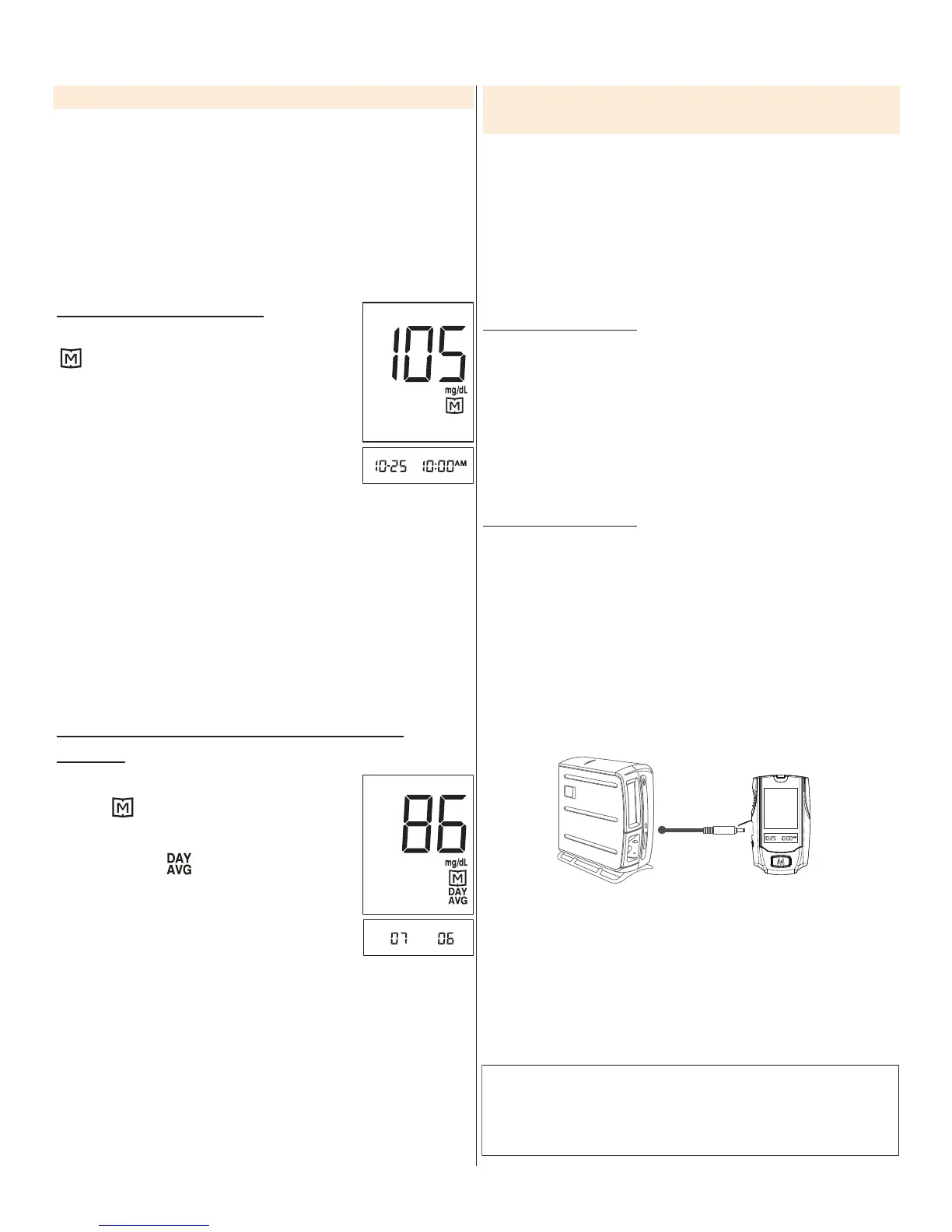
Reviewing Test Results
1. Press and release M.
will appear on the display.
Press M again, and the fi rst reading
you see is the last blood glucose
result along with date and time.
2. Press M repeatedly to recall the test results
stored in the meter.
3. Exit the meter memory.
After the last test results, press M again and the
meter will be turned off.
Reviewing Blood Glucose Day Average
Results
1. Press and release M.
When appears on the display,
keep pressing M for 3 seconds until
the fl ashing “ ” appears. Release
M and then your 7-day average
result measured in general mode
will appear on the display.
2. Press M to review 14-, 21-, 28-, 60- and 90- day
average results stored in memory.
3. Exit the meter memory.
Keep pressing M and the meter will turn off after
displaying the last test result.
METER MEMORY
You can use the meter with an interface cable and
the Health Care Software System to view test
results on your personal computer. To learn more
about the Health Care Software System or to
obtain an interface cable separately, please visit
www.foracare.com or call (888) 425-1149 for
assistance.
1. Obtaining the required cable and installing
the software
To download the Health Care Software System,
please visit the FORA Care Inc. website at
www.foracare.com.
2. Connecting to a personal computer
Connect the cable to an interface port on your
computer. With the meter switched off, connect
the other end of the interface cable to the meter
data port. “PC” will appear on the meter display,
indicating that the meter is in communication
mode.
3. Data transmission
To transmit data, follow the instructions provided
with the software. Results will be transmitted with
date and time. Remove the cable and the meter
will automatically switch off.
DOWNLOADING RESULTS ONTO A
COMPUTER
WARNING:
While the meter is connecting to the PC, it will be
unable to perform a blood glucose test.



 To Next Page