DIAGNOSTICS
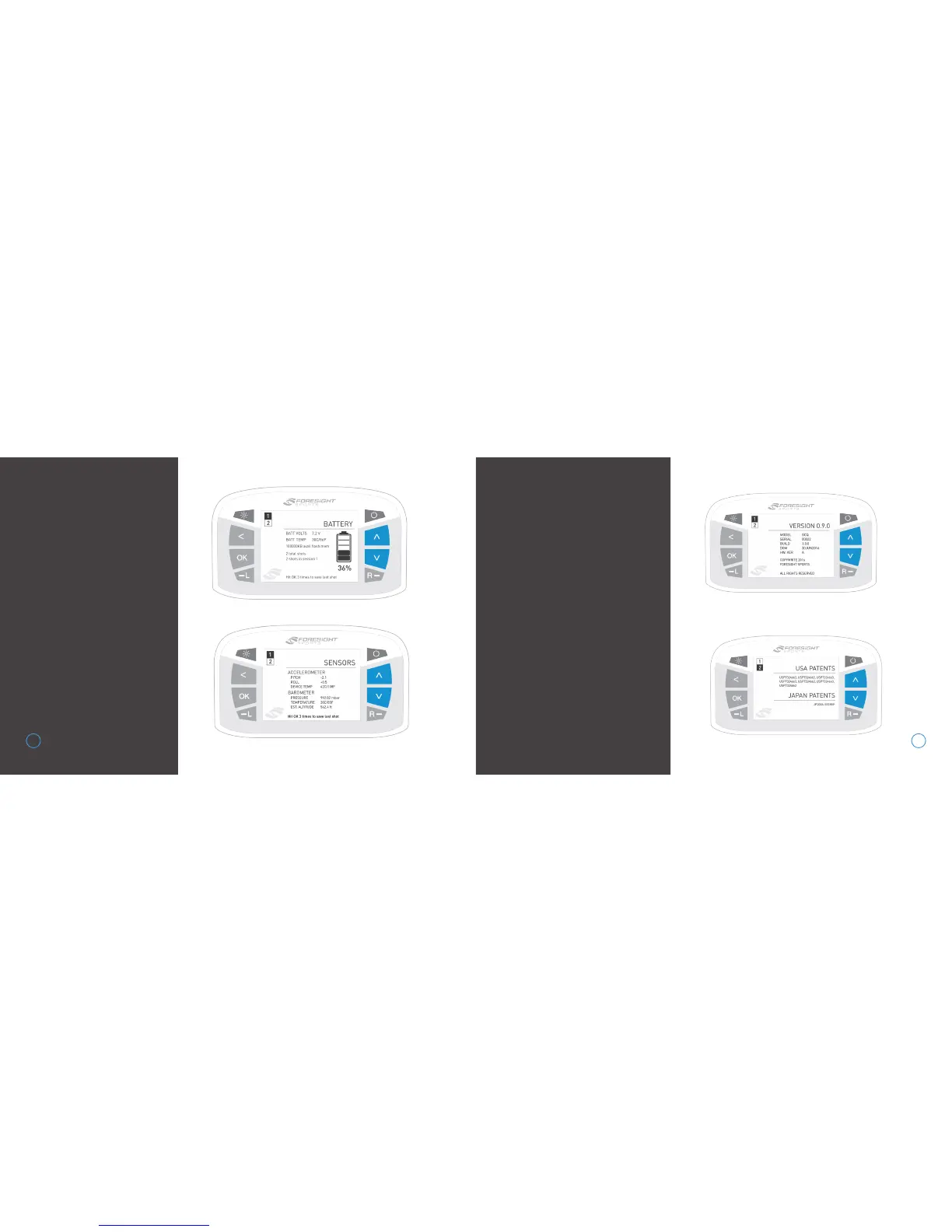
There are two diagnostics
screens, which can be cycled
using the arrow keys. The first
(defualt) diagnostics screen
shows battery information,
available flash memory, and
shot/session information.
Accelerometer and barometer
sensor data is displayed on
screen 2.
The last shot taken can be
saved on either screen by
pressing the OK key 3 times.
During shot saving, the file
names will be displayed.
Shot saving can take up
to 60 seconds.
ABOUT
There are two about screens,
which can be cycled using the
arrow keys. The first (defualt)
about screen displays the
GCQuad model, serial number,
firmware build version, date of
manufacture, and hardware
version.
Patent information is displayed
on screen 2.
13 14


 To Next Page