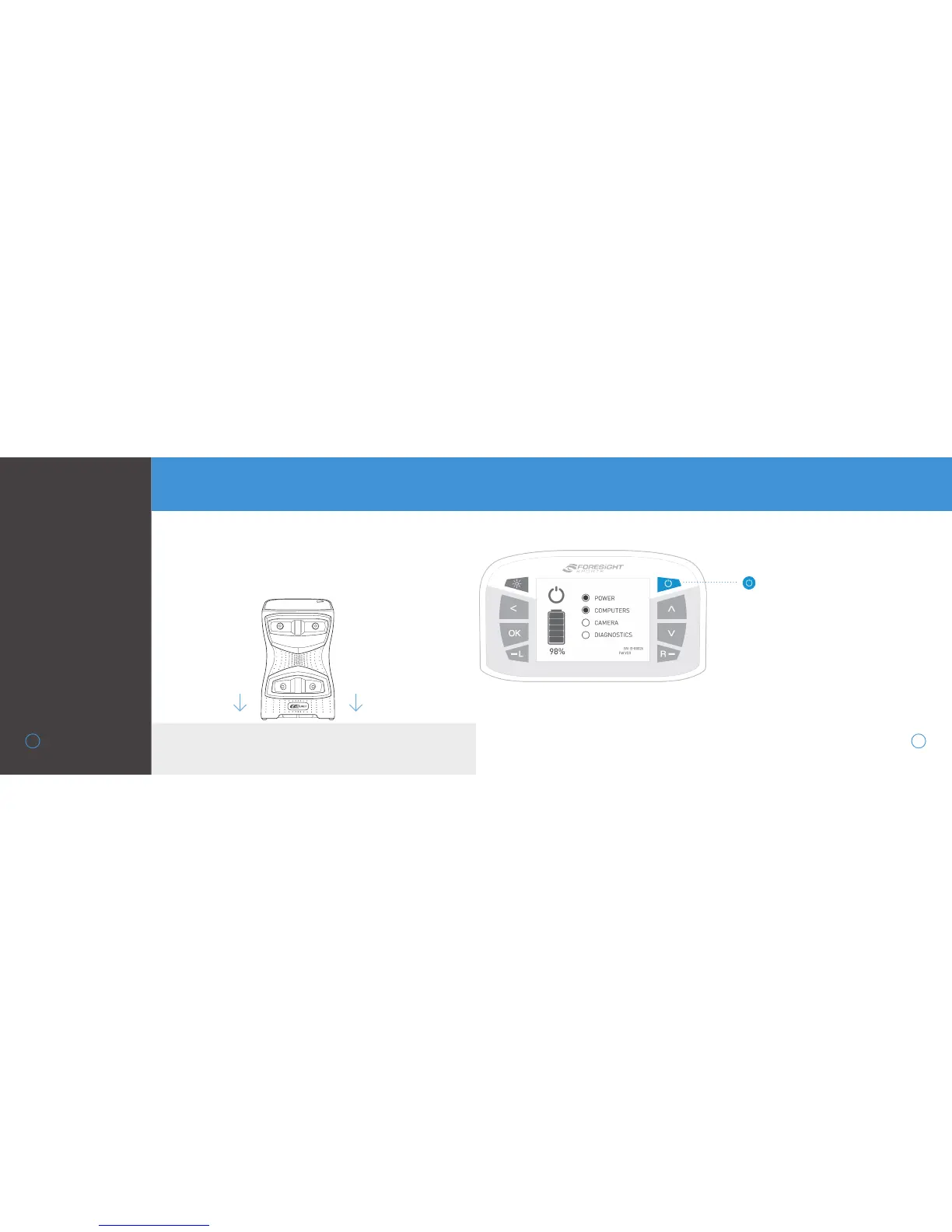
To properly use the GCQuad, place the device upright on a level
surface approximately 22” away from the hitting area. If a hitting
mat is used, make sure the device is raised to the same level as
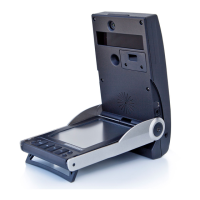
the hitting surface. For extra stability on uneven surfaces, the
kickstand can be deployed at the bottom of the unit.
LEVEL HITTING SURFACE
To power on the GCQuad, press and release
the power button. The device will display a
start-up screen showing battery life, serial
number, and firmware version. This will take
approximately 30 seconds. The LED indica-
tor will blink green once the GCQuad is ready
for tracking.
To power off the GCQuad, press and release
the power button again. The device will
initiate its shutdown sequence and the LCD
screen and LED indicator will turn off.
GETTING
STARTED
5
SETUP
POWER ON/OFF
POWER BUTTON


 To Next Page