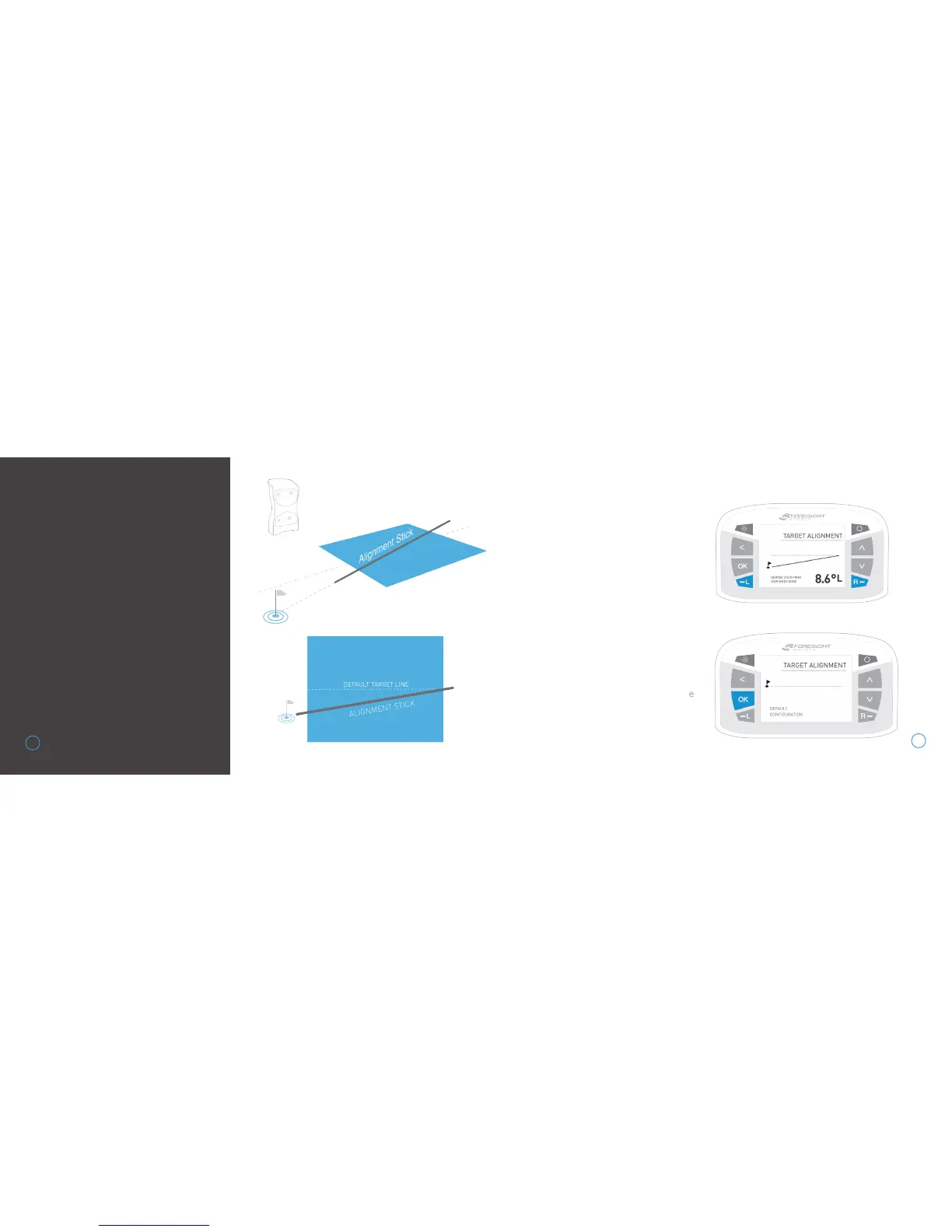
After a few seconds, both LED indicators
will show yellow and the unit will give an
audible tone. The new alignment angle
will be shown on the LCD screen.
Alignment can be viewed and reset at any
time from the Target Alignment menu in
System Options. To reset alignment to
factory default in this screen, press the
OK key. Alignment is always reset when the
unit is powered off.
TARGET
ALIGNMENT VIA
ALIGNMENT STICK
Target alignment can be adjusted up
to 10° on the GCQuad via the FSS
Alignment Stick. To adjust alignment,
place the FSS Alignment Stick in the
GCQuad hitting zone and align to your
target. Once aligned, step away from
the device to allow for it to calibrate.
25
26


 To Next Page