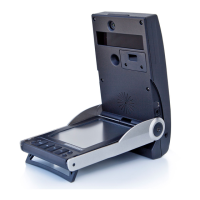
SETTINGS
Settings options can be navigated
via the cursor keys and changed
via the OK key. Once a setting is
changed, it will be automatically
saved once the screen is exited.
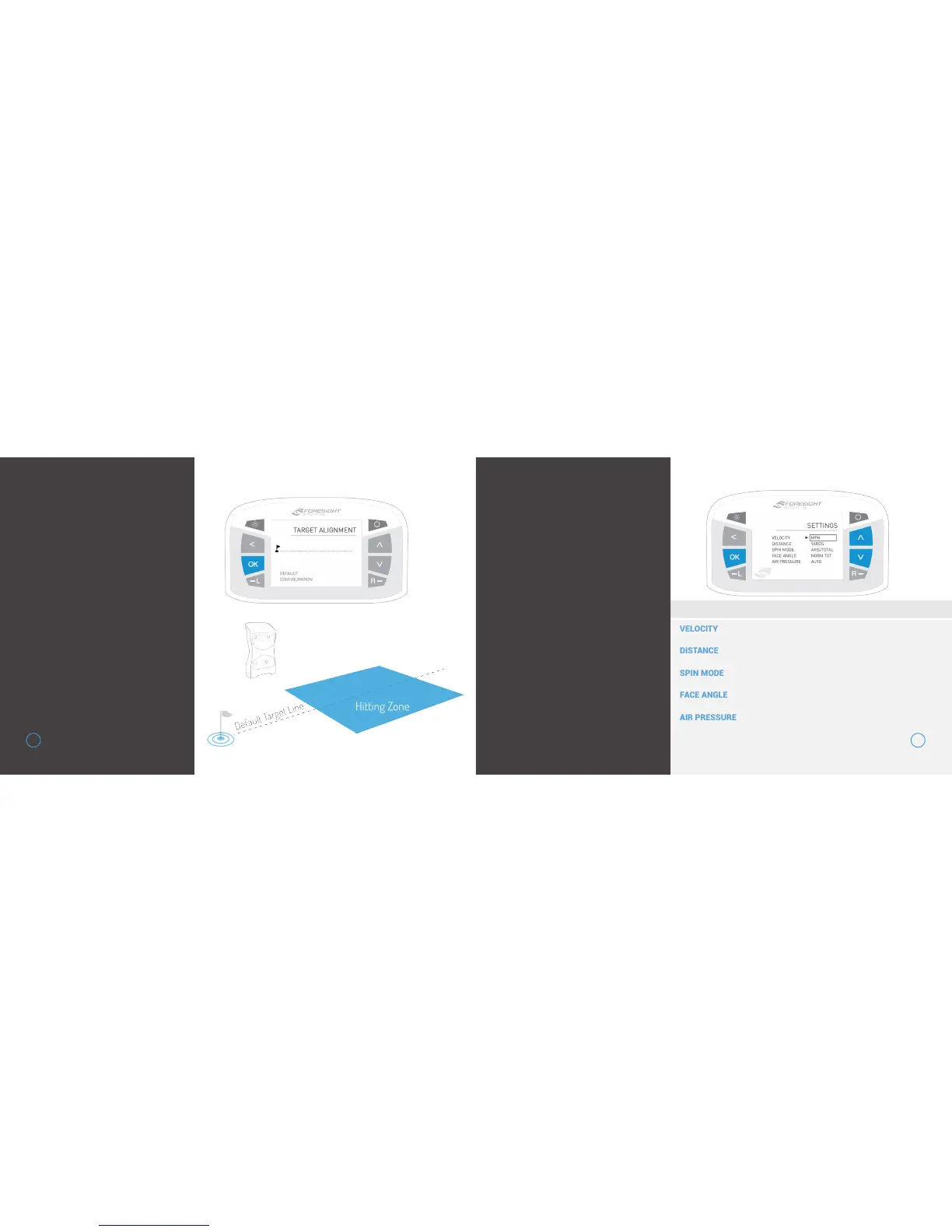
TARGET ALIGNMENT
The target alignment screen
shows the current alignment
configuration of the device. If
alignment has been adjusted via
the FSS Alignment Stick, the new
alignment angle will be shown on
screen.
To reset alignment to factory
default, press the OK key.
1211
SETTING DISPLAY OPTIONS
MPH | KMH | MPS


 To Next Page