1
2
3
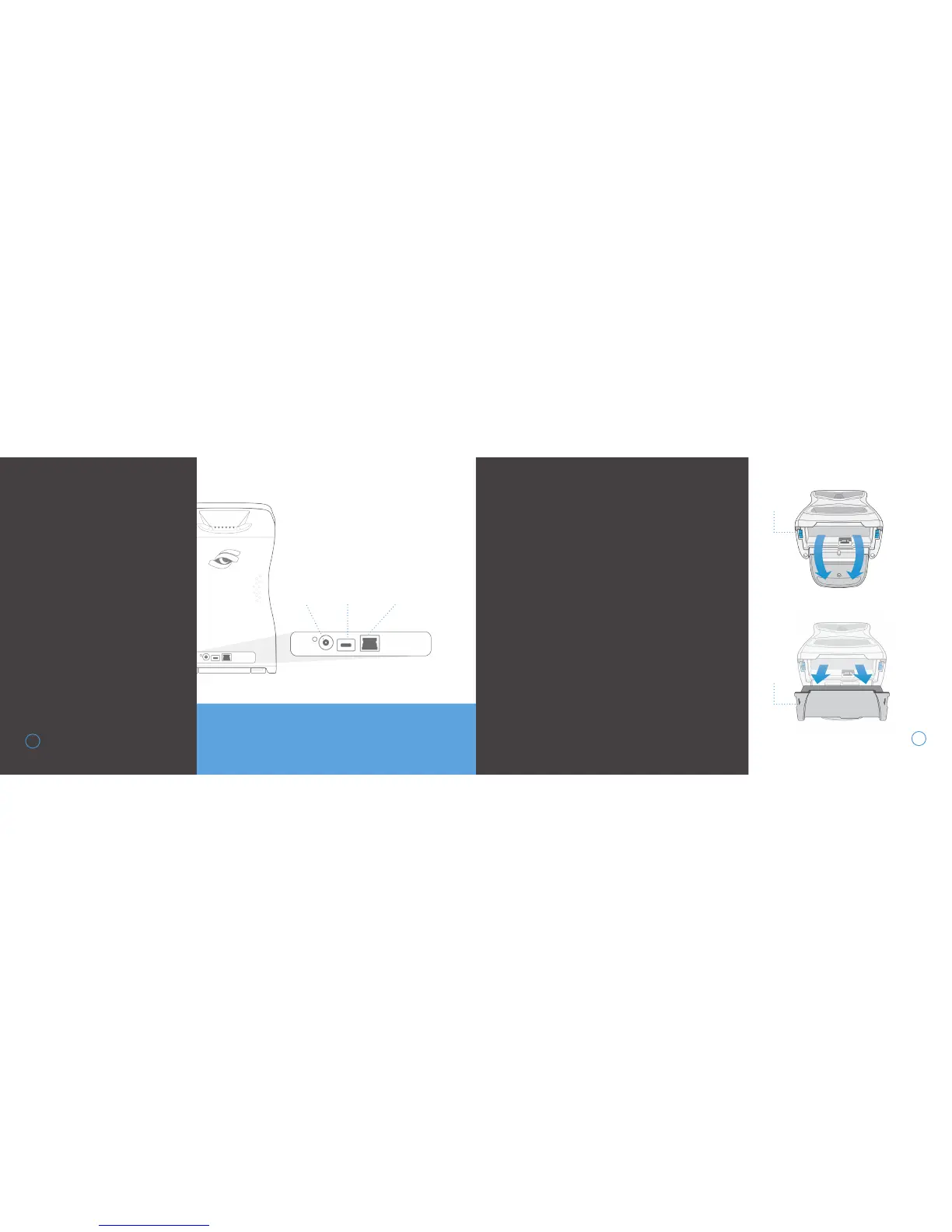
Turn the unit off and disconnect
from external power source
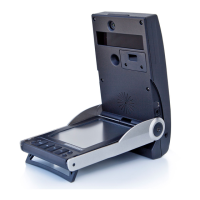
Deploy the kickstand at the bot-
tom of the unit to expose the
battery
Firmly press on the blue battery
release levers in the direction
indicated on the battery
Once battery is released, gently
remove from the device
CONNECTING
THE DEVICE
The GCQuad can be physically
connected to other devices by
USB, Ethernet, and WiFi.
27
IMPORTANT! Do not use the USB Type-C or Power
Cables provided on ANY devices other than GCQuad.
BATTERY CARE
REMOVING THE BATTERY
4
28
POWER
USB
TYPE-C
ETHERNET
RELEASE
LEVERS
REMOVE
BATTERY


 To Next Page