Power Up
To start up the system:
Connect the system to the mains power supply.1.
You can severely damage the machine if it is connected to the
incorrect mains voltage. Before plugging in the machine, check if
the local voltage is the same as the voltage mentioned on the type
plate.
2. Use the power switch to switch on the system. The power switch is located at the back
of the system.
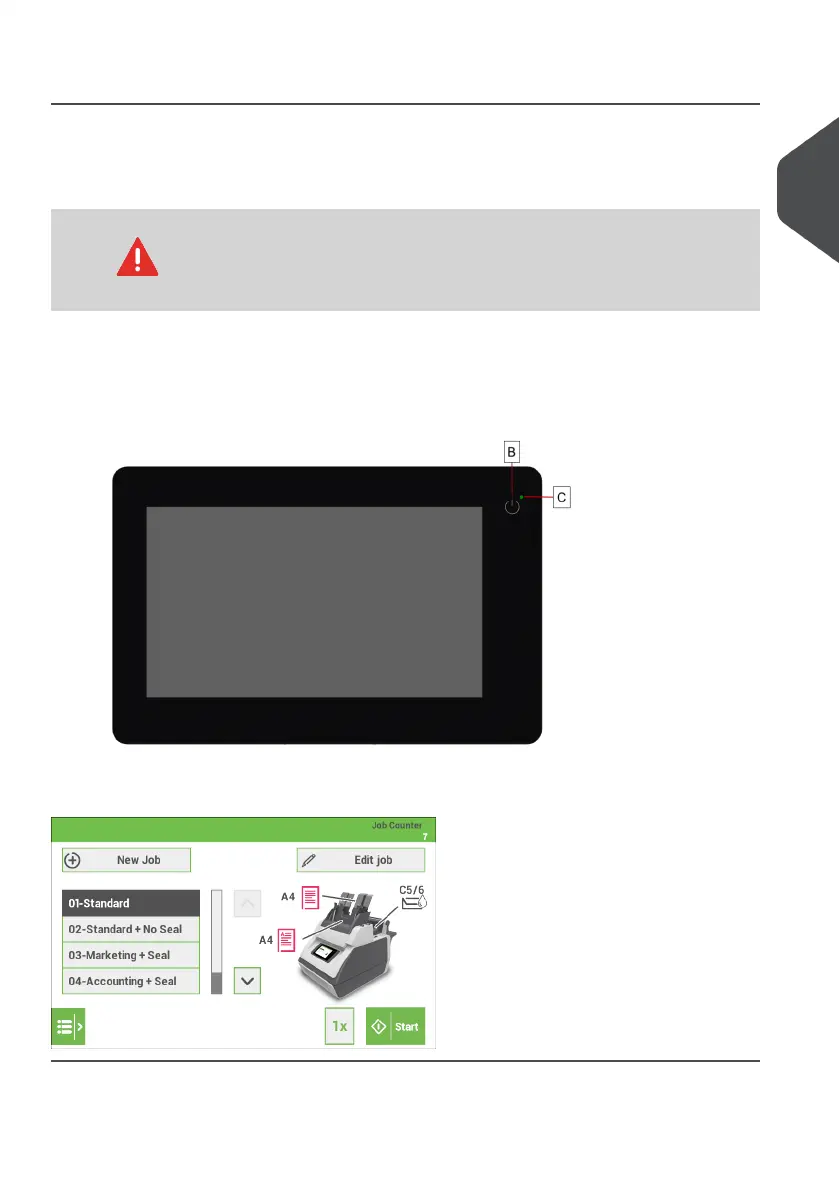
3. Press the on/off button next to the display.
The touch screen shows the "Home screen".
2
English
7
| Page 7 | Jan-15-2019 03:21 | Meet your Document System


 To Next Page