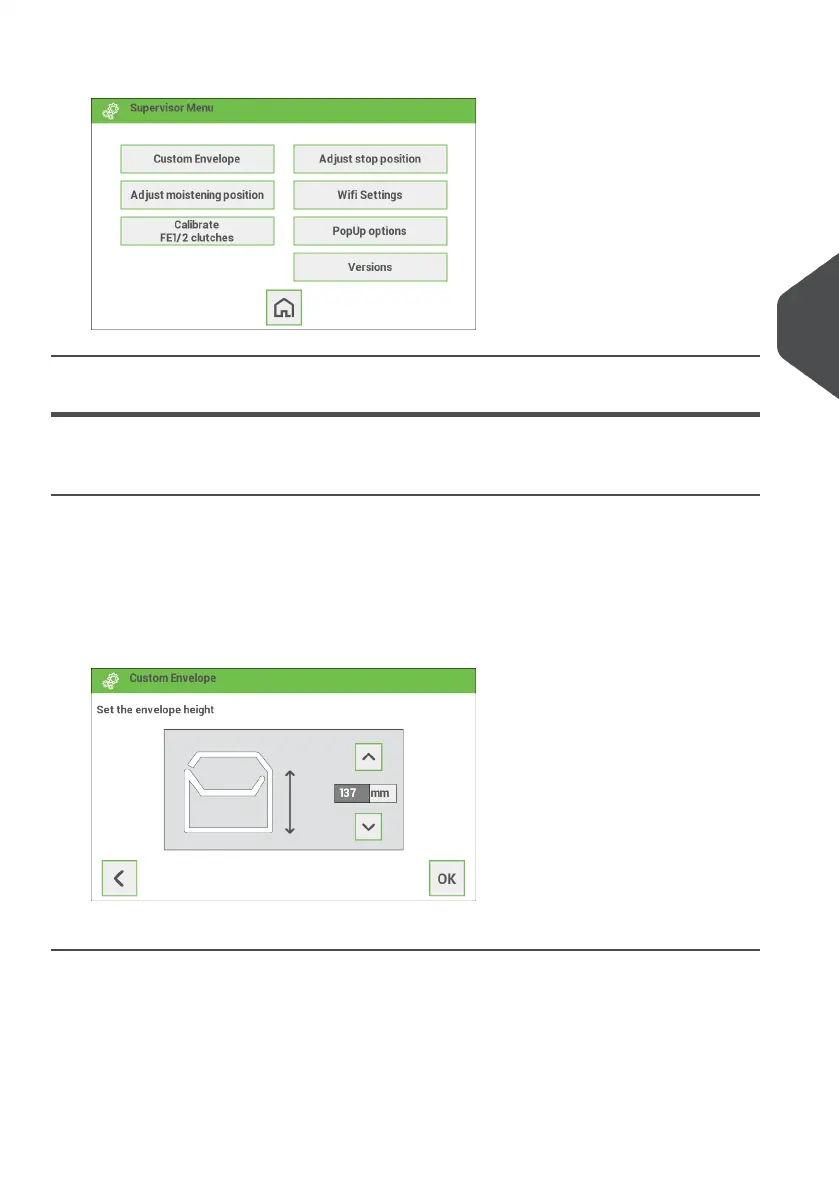
4. Tap the relevant button to edit or change the settings.
Supervisor Settings Menu
Customize the envelope height
It is possible to customize the height of the envelope if the default envelope height settings
do not meet the specification of the envelope. To customize the height:
Go to the supervisor menu.1.
2. Tap [Custom Envelope].
3. Set the correct envelope height using the up/down arrows.
4. Tap the [OK] button.
5
English
35
| Page 35 | Jan-15-2019 03:21 | Settings menu


 To Next Page